Ask in plain words
Record a walkthrough
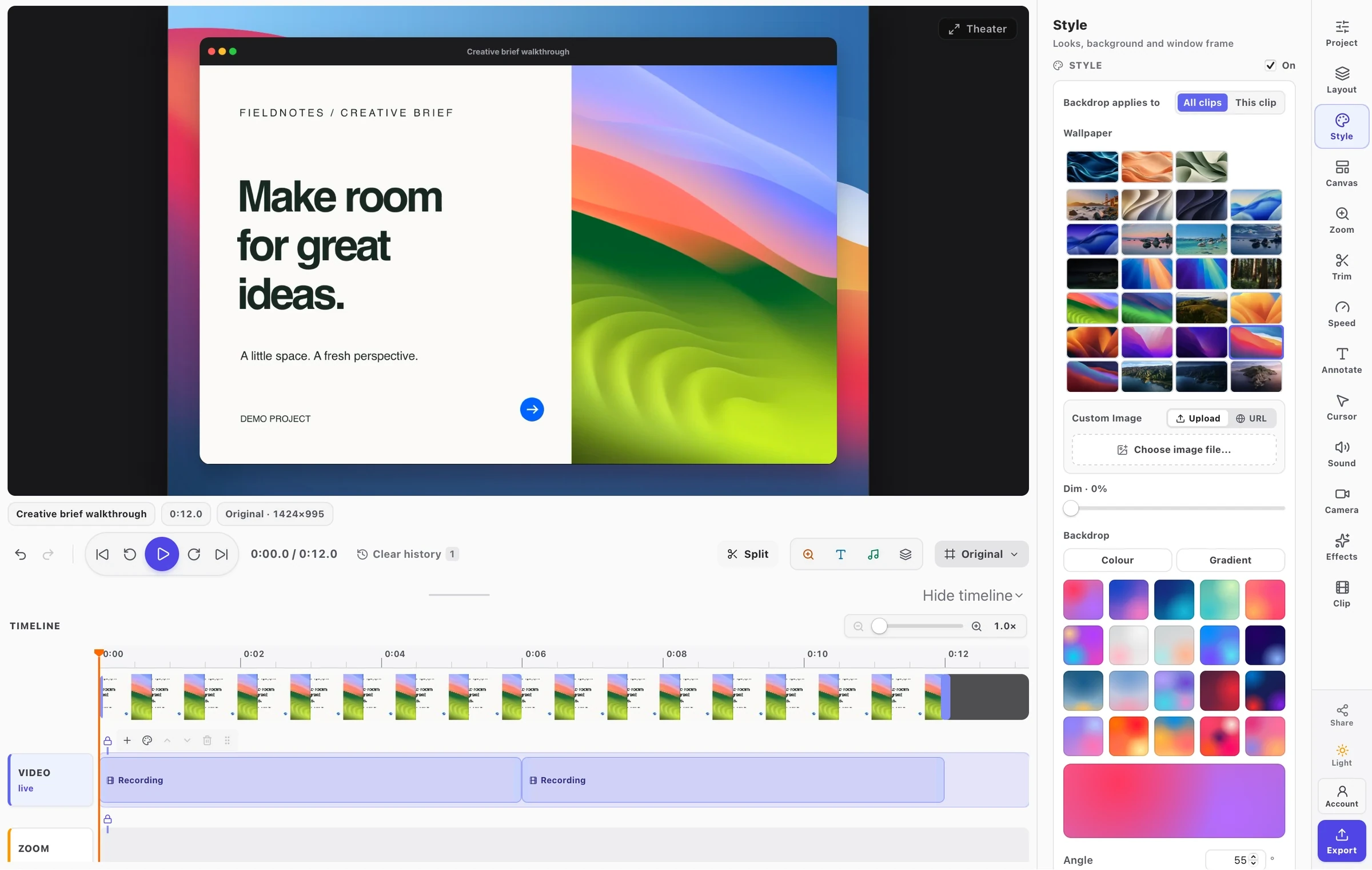
“Open our checkout in Chrome and record a walkthrough: add a product, fill in test details, and pay. Zoom in on each click, blur the email and card fields, add captions, and export an MP4.” FramioCam runs list_targets, start_recording, pointer_hint, stop_recording, edit_recording, annotate_recording, transcribe_recording, export_recording. Result: checkout-walkthrough.mp4, zoomed, blurred and captioned.
Make a screenshot presentable
“Take a screenshot of my Safari window and put it on a nice backdrop.” FramioCam runs list_targets, list_backdrops, capture_screenshot. Result: A framed PNG, open in the screenshot editor.
Annotate a bug report
“Screenshot the error dialog in Xcode, circle the error in red, blur my email address, and copy it to my clipboard.” FramioCam runs list_targets, capture_screenshot, annotate_screenshot, export_screenshot. Result: Ready to paste into Jira, Linear or Slack.
Recut for Shorts
“Open yesterday’s pricing recording, make a 9:16 version for YouTube Shorts with a title at the start, and export it in 1080p.” FramioCam runs list_library, edit_recording, annotate_recording, export_recording. Result: A vertical cut, ready for you to publish from the editor.
Caption and subtitle
“Transcribe my last recording, highlight each spoken word in yellow, and save an SRT file to my Desktop.” FramioCam runs list_library, transcribe_recording, export_subtitles. Result: Burned-in captions plus a subtitle file, audio never uploaded.
Tidy an edit
“In my onboarding recording, speed up the part where the page loads, cut the last five seconds, and put our logo from ~/Brand/logo.png in the corner.” FramioCam runs describe_recording, edit_timeline, edit_recording. Result: Every change in the open studio, undoable with ⌘Z.