5 min read
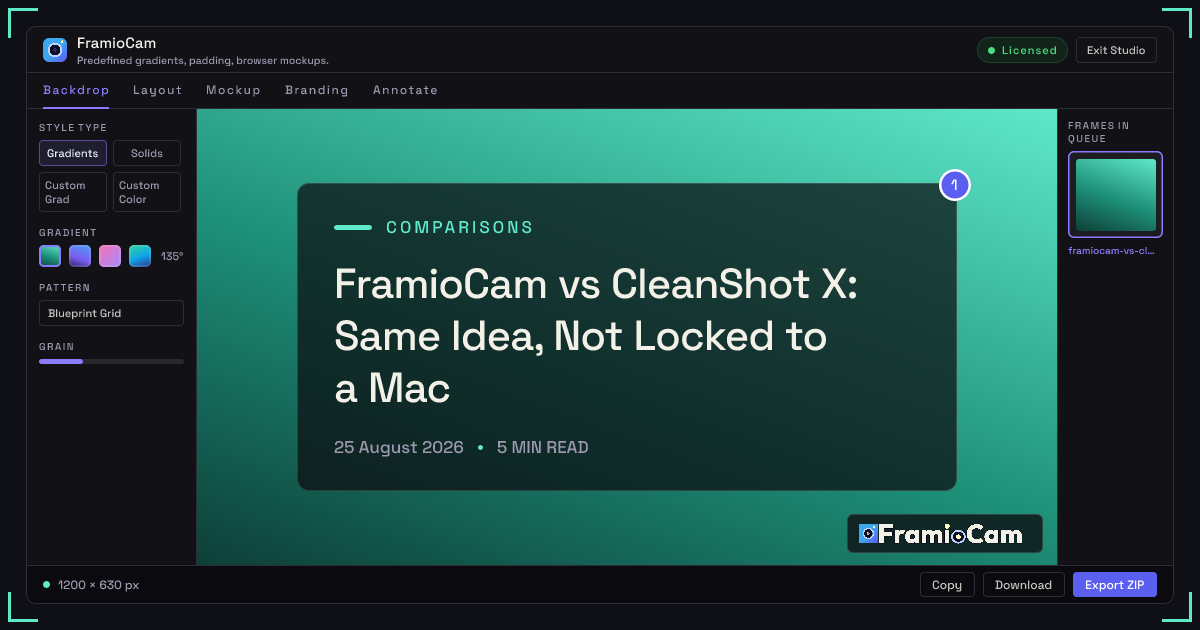
FramioCam vs CleanShot X: Same Idea, Not Locked to a Mac
CleanShot X is a one-time purchase too, and it's excellent — if you're on macOS. FramioCam is the same idea inside the browser, on Windows, macOS or Linux. Here's the honest comparison.
- comparisons
- screenshot-tools
- cleanshot-alternative
KEY TAKEAWAYS
- CleanShot X is the same buy-it-once idea, but macOS-only; FramioCam runs anywhere Chrome does — Windows, macOS and Linux.
- Both edit locally; FramioCam adds a real multi-lane video timeline, which CleanShot X does not have.
- CleanShot X is the better tool if you capture outside the browser all day, or want built-in OCR and an instant hosted link.
CleanShot X is the tool most people compare FramioCam to first, and for good reason: it’s the other one that treats “buy it once” as a real pricing model instead of a stunt to get you into a trial. The difference isn’t the philosophy — it’s the platform, and how much of your desktop each one can actually see.
The short version
| CleanShot X | FramioCam | |
|---|---|---|
| Platform | macOS only | Chrome extension — Windows, macOS, Linux |
| Pricing model | One-time purchase | One-time purchase |
| Price | $29 (license + 1 year of updates + 1 GB Cloud) | $9 Solo · $20 Team · $49 Enterprise |
| Scope of capture | Anything on the Mac desktop — any app, any window | The browser: tabs, browser windows, or the screen via the recorder |
| Cloud/hosting | Optional CleanShot Cloud, ~$8/user/month for branded links, SSO | None — nothing is ever uploaded, by design |
| Video editor | Trim and basic recording | Multi-lane timeline, 24 transitions, click-driven auto-zoom, webcam compositing |
| OCR | Yes, built in | No |
Where the two tools actually differ
The core trade is platform reach versus what’s captured.
CleanShot X reaches everything a Mac can show you — Finder, Terminal, a native app, a PDF viewer, all of it — because it’s a native macOS application. FramioCam only sees what a browser tab or the screen-share API can show it, because it’s a Chrome extension. That’s a real, structural difference and not a small one: if your daily work is native apps rather than the browser, CleanShot X can capture things FramioCam simply cannot reach. In exchange, FramioCam runs on any machine Chrome runs on — CleanShot X is macOS 11+ only, full stop, with no Windows or Linux version at all.
Both are honestly priced, in different shapes.
CleanShot X’s Basic license is $29 one-time, which includes the app permanently plus one year of feature updates and 1 GB of CleanShot Cloud storage; after the first year, further updates are optional at roughly $19/year, but the app you bought keeps working regardless. That’s a genuinely fair model. FramioCam’s Solo license is $9 once, Team is $20 for two people and two machines, and Enterprise is $49 flat — no update-renewal question at all, since the extension updates the way any browser extension does.
Editing depth is not close.
This is the biggest functional gap. CleanShot X is, at heart, a capture-and-annotate tool with basic screen recording — trim, GIF export, and markup, but nothing resembling a timeline. FramioCam’s video side is a full editor: multi-lane timeline with filmstrip thumbnails, split and ripple-delete, a 24-transition gallery with a searchable modal, zooms generated automatically from your actual recorded clicks, cursor highlighting, webcam compositing with its own shape and shadow controls, and text/annotation lanes with their own timing. If editing the recording — not just trimming it — is part of the job, FramioCam’s studio is built for that in a way CleanShot X isn’t trying to be.
Screenshot styling is closer, but not identical.
Both tools do backdrops, window-frame mockups, and annotation well. FramioCam adds a few things CleanShot X doesn’t: 20 curated gradients plus custom two-color gradients and pattern overlays, ambient refraction backgrounds, film grain to kill color banding, a 3D isometric perspective tilt, and a multi-page queue for capturing and styling several screenshots as a batch. CleanShot X’s strongest edge here is OCR — pulling selectable text out of a screenshot — which FramioCam doesn’t have at all.
Cloud is opt-in for both, but sits differently.
CleanShot Cloud is a genuine convenience: upload a capture, get a shareable link instantly, at roughly $8/user/month for the Pro tier with branding and SSO. It’s there if you want it and skippable if you don’t. FramioCam doesn’t offer an upload path at all — there’s no cloud tier to opt into, because nothing about the product is built to leave the browser.
Where CleanShot X is genuinely the better tool
- You capture outside the browser all day. Native apps, the Finder, Terminal, a design tool — anything that isn’t a Chrome tab is outside FramioCam’s reach entirely.
- You want OCR on your screenshots. Extracting selectable text from a captured image is built into CleanShot X and isn’t something FramioCam does.
- An instant hosted link matters to your workflow. CleanShot Cloud gives you that in one click; FramioCam deliberately doesn’t.
- You’re on a Mac and staying there. If cross-platform isn’t a concern, CleanShot X’s macOS-native polish is hard to beat.
Who FramioCam is actually built for
Anyone who needs the same “buy it once, own it” model but isn’t on a Mac — or is, but does most of the actual capturing inside a browser tab and wants a real video editor rather than a trimmer. Product teams working across a mixed Windows/Mac org, agencies whose contractors aren’t all on Apple hardware, and anyone recording software walkthroughs where the timeline editing matters as much as the capture.
FAQ
Does FramioCam work on Windows? Yes — it’s a Chrome extension, so it runs anywhere Chrome does: Windows, macOS, or Linux. CleanShot X is macOS only.
Is FramioCam’s one-time payment structured like CleanShot X’s? Similarly, but simpler. CleanShot X’s $29 includes one year of updates, with further years optional at ~$19/year. FramioCam’s license tiers ($9/$20/$49) don’t have an update-renewal step at all.
Does FramioCam have OCR? No. If pulling text out of a screenshot is something you need regularly, CleanShot X has that built in.
Can FramioCam capture native Mac or Windows apps, not just browser tabs? Screen recording can capture your entire screen, including non-browser windows, through the browser’s screen-share permission. Screenshot capture (visible area, full page, full site, region) is scoped to what’s inside a browser tab.
See the full breakdown of how FramioCam compares to CleanShot X, Loom, Scribe and Awesome Screenshot, or add FramioCam to Chrome and try the first 50 captures free.