
Logo, dark lettering
For white and light backgrounds. The default for documents, articles and listings.
BRAND & PRESS
Logos, colours, typefaces, approved descriptions and product screenshots for anyone writing about FramioCam. Download the whole kit, or copy what you need below.
01
The icon is a camera lens inside a frame: capture, then make it presentable. The logo pairs it with the wordmark.
For white and light backgrounds. The default for documents, articles and listings.

For dark backgrounds, video end cards and dark-mode interfaces.
The primary mark. Use it wherever FramioCam appears as an app: listings, integrations, avatars.
For light backgrounds, print, and anywhere the gradient would fight the layout.
For dark backgrounds and photographs. Keep enough contrast behind it.
Keep at least a quarter of the icon’s width free on every side. No text, edges or other marks inside it.
The icon stays legible down to 24 px, and either logo down to 120 px wide. Smaller than that, use the icon instead of the logo.
02
Every value below is one the product already uses. Click a swatch to copy its hex code.
Icon gradient · linear-gradient(135deg, #3EA8EE 50%, #6155F5)
The interface colour. Links, primary buttons and highlights.
FramioCam Blue
Primary actions, links, focus
Ink
Headlines and body text
White
Page background
Taken from the app icon. Use the gradient as a pair, sky into violet.
Sky
Icon gradient, start
Violet
Icon gradient, end
Lens Ring
Icon lens ring
Lens
Icon lens body
Flash
Icon flash dot
Supporting tones. Ember is kept for buying, nowhere else.
Slate
Secondary text
Mist
Panels and surfaces
Line
Borders and dividers
Ember
Purchase accent
03
Two families, both free to use. Geist Sans carries almost everything; JetBrains Mono is for keys, time and code.
Capture anything.
Headlines, interface and body text. Weights 400, 500, 600.
⌘ ⇧ 5 · 00:01:24
Shortcuts, timecodes and code. Weights 400, 500.
04
Approved wording you can paste as it is. It describes only what ships today.
TAGLINE
Capture anything. Make it worth sharing.
App stores, bios, social profiles · 15 words
Screenshots, recordings, and the tools to finish them. Available in Chrome. Coming soon to Mac.
About 50 words — directories and listings · 54 words
FramioCam captures screenshots and screen recordings with your microphone and webcam, then gives you a studio to finish them: backdrops, window frames, annotations, and a video timeline with click-driven zooms. Export MP4, WebM, GIF or PNG. Media stays on your device unless you choose to share it. Available in Chrome; coming soon to Mac.
About 100 words — press releases and articles · 111 words
FramioCam is a screenshot and screen recording tool for people who show their screen for a living — product teams, educators, support, and creators. Capture a visible area, a full page, a whole site or a region; record a tab, window or screen with microphone and webcam; then finish both in FramioCam Studio with backdrops, window frames, annotations and a multi-lane video timeline, and export MP4, WebM, GIF or PNG. Media is captured and edited locally; saving to your own Google Drive is optional. FramioCam for Chrome runs on macOS, Windows, Linux and ChromeOS. A native FramioCam for Mac app is coming soon. FramioCam is built by Ratul Hasan at BeSofty.
One word, capital F and capital C, in every context — including headlines and sentences that start with it.
Two products with separate licences. Name the one you mean.
05
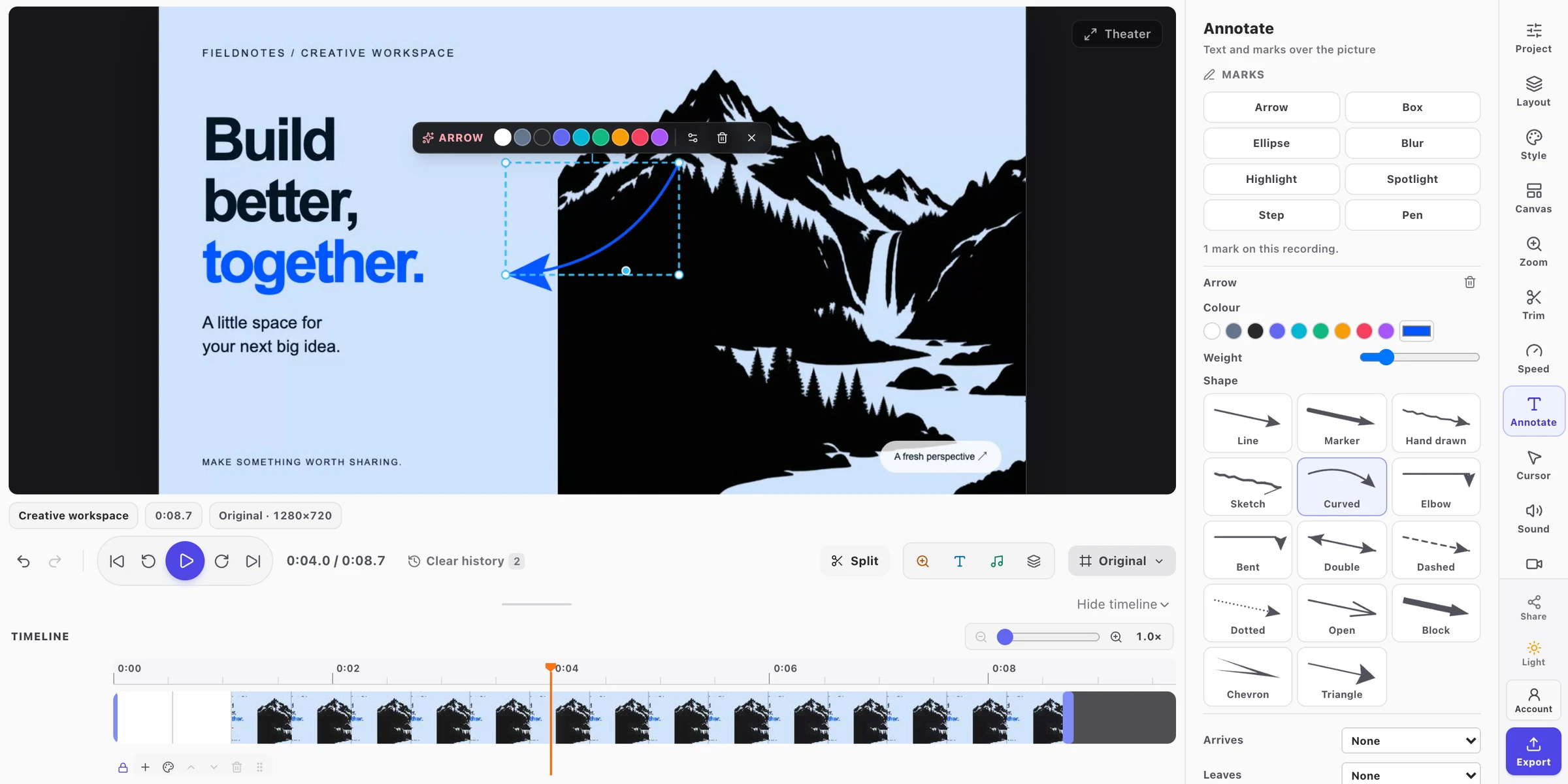
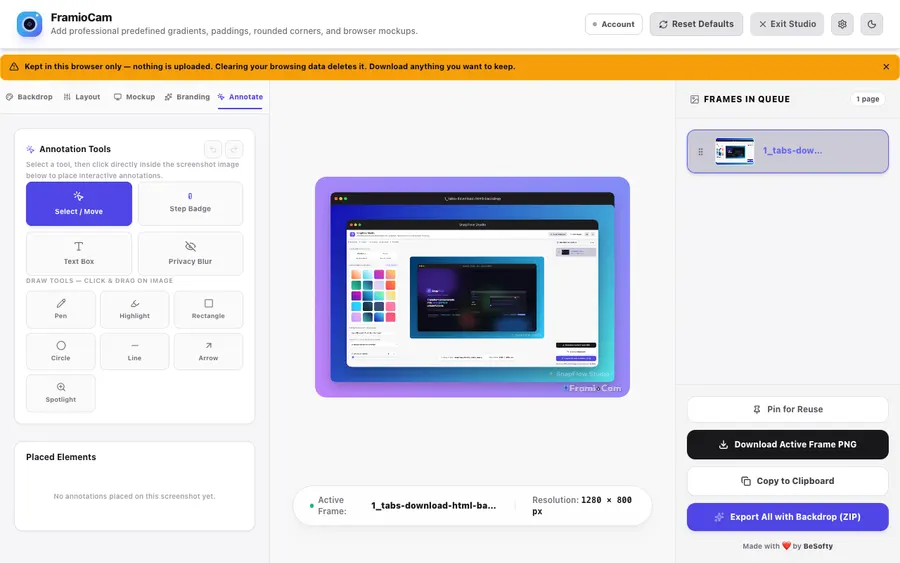
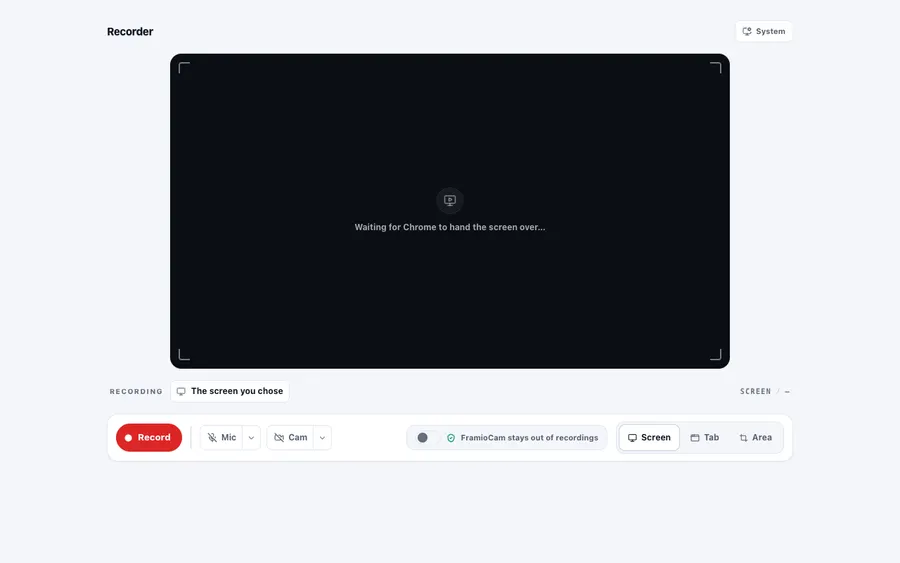
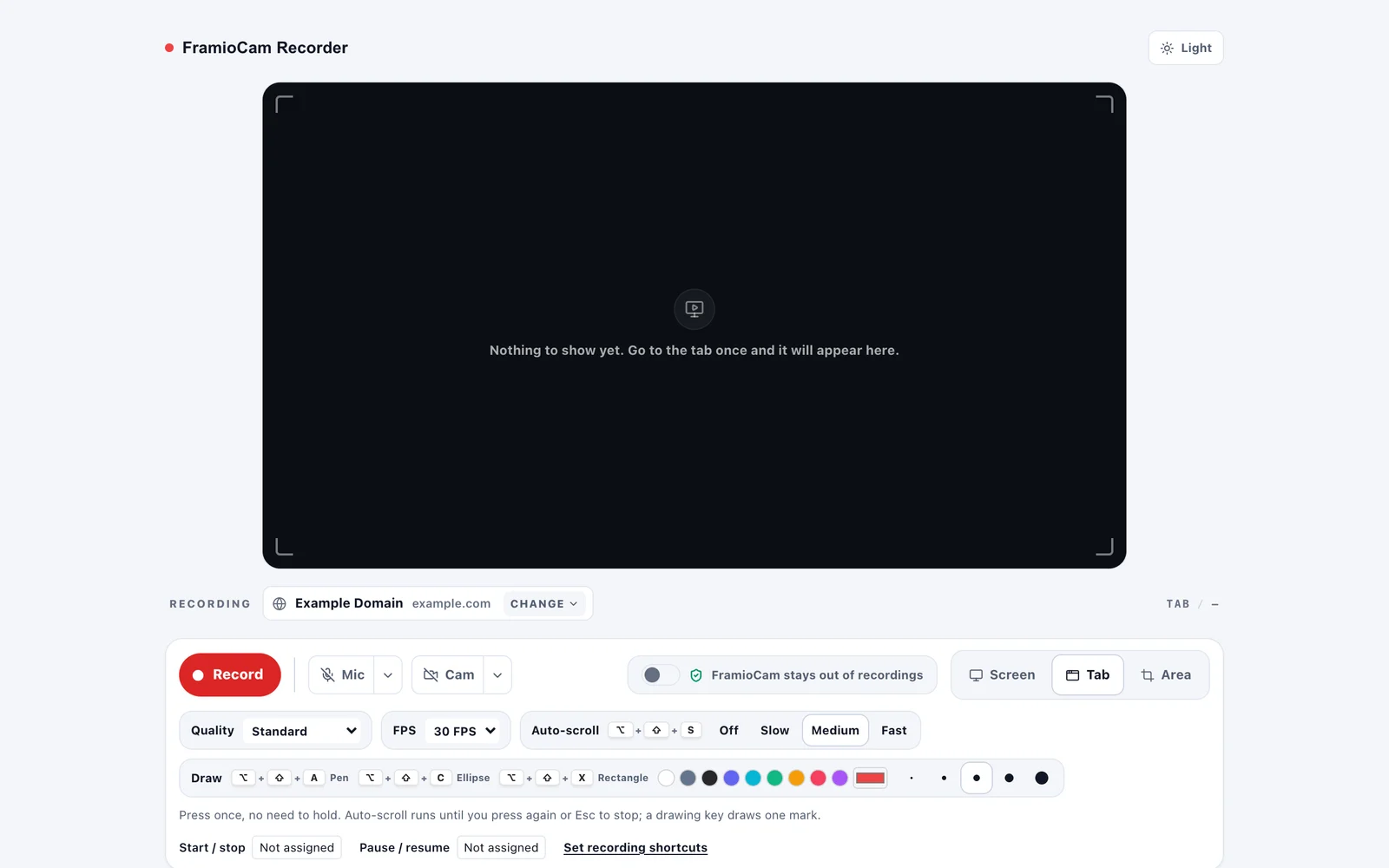
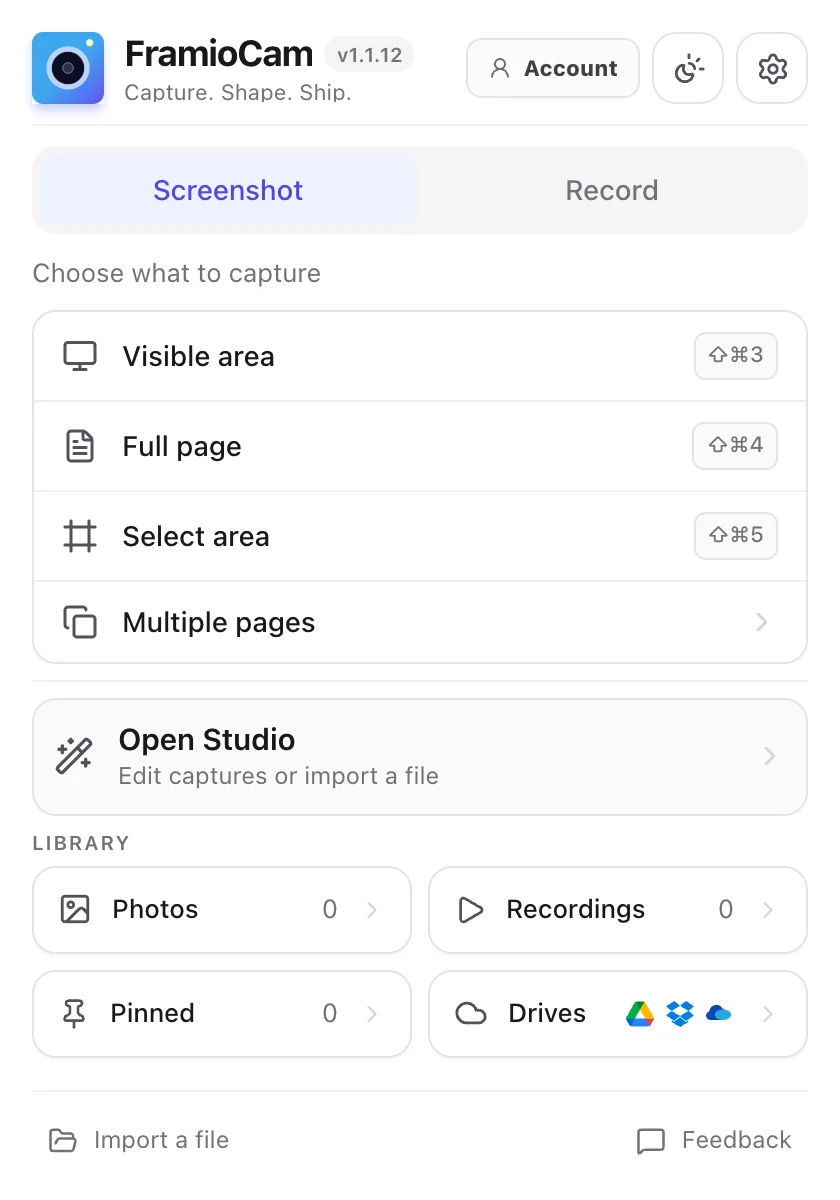
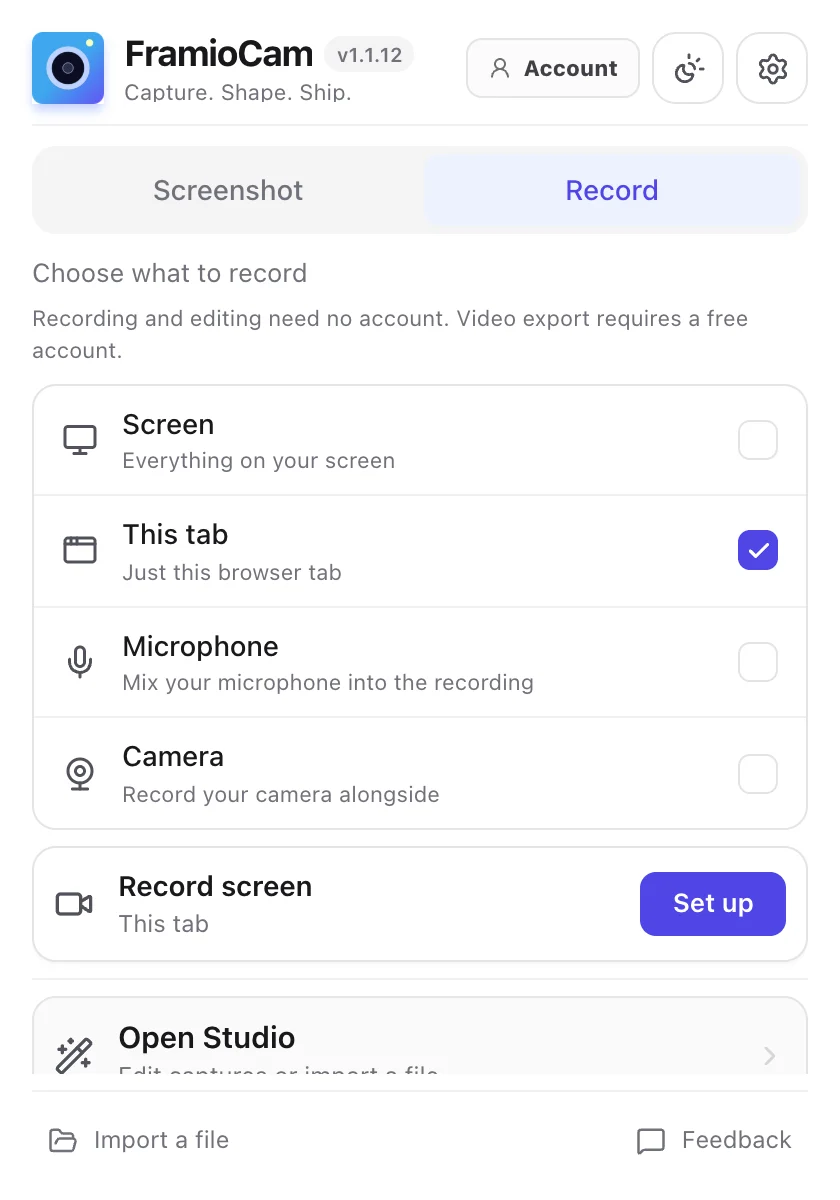
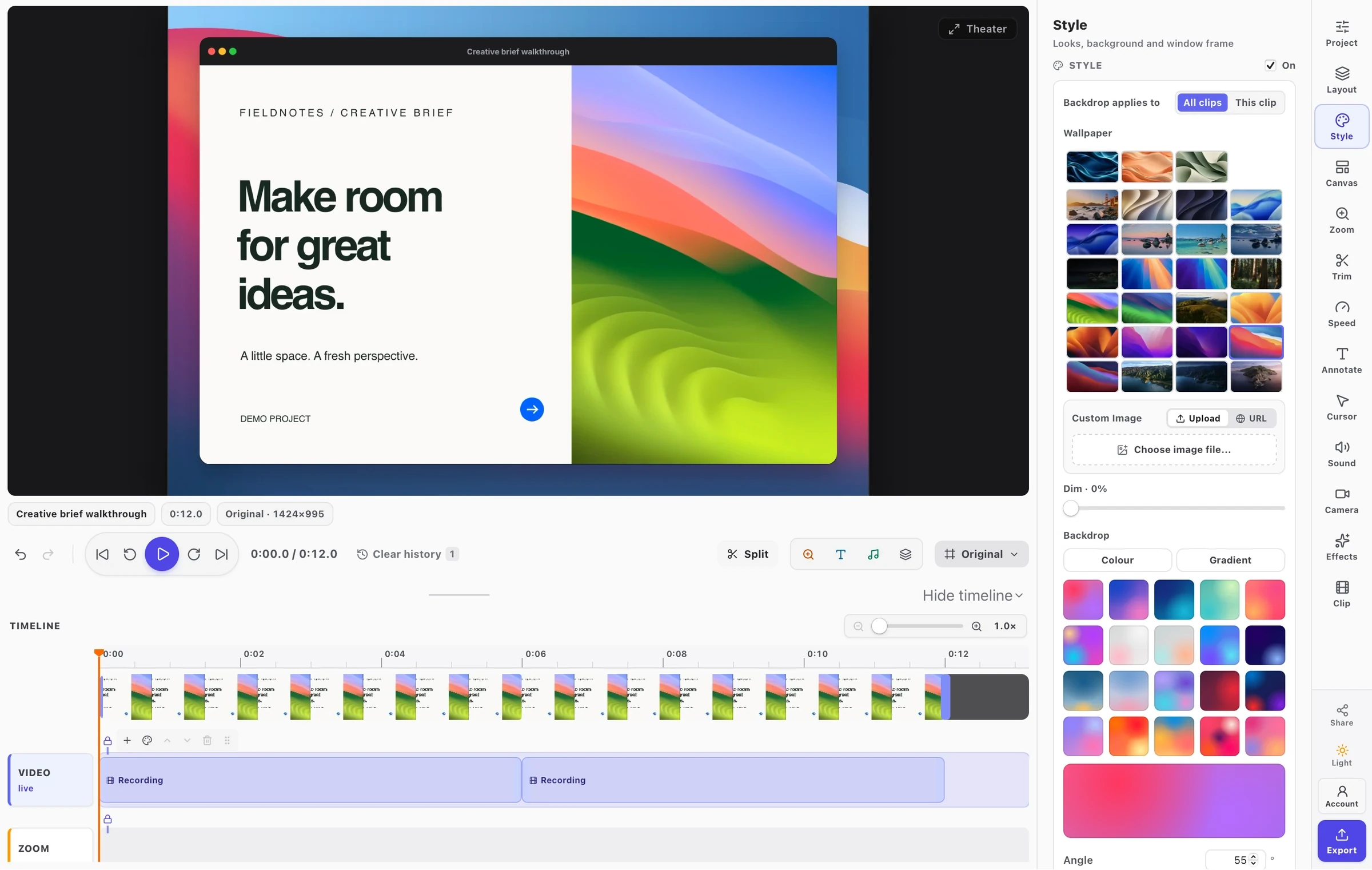
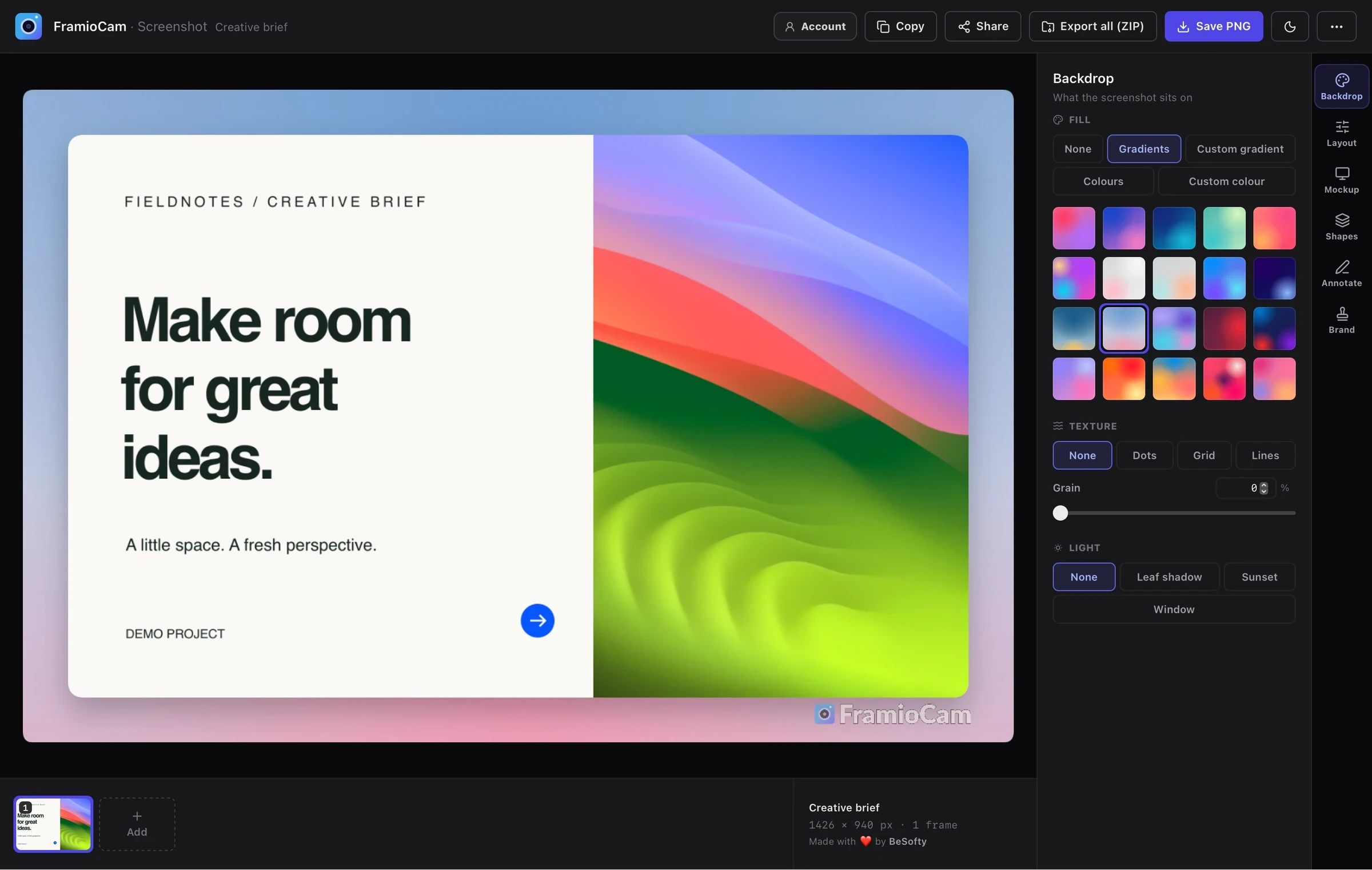
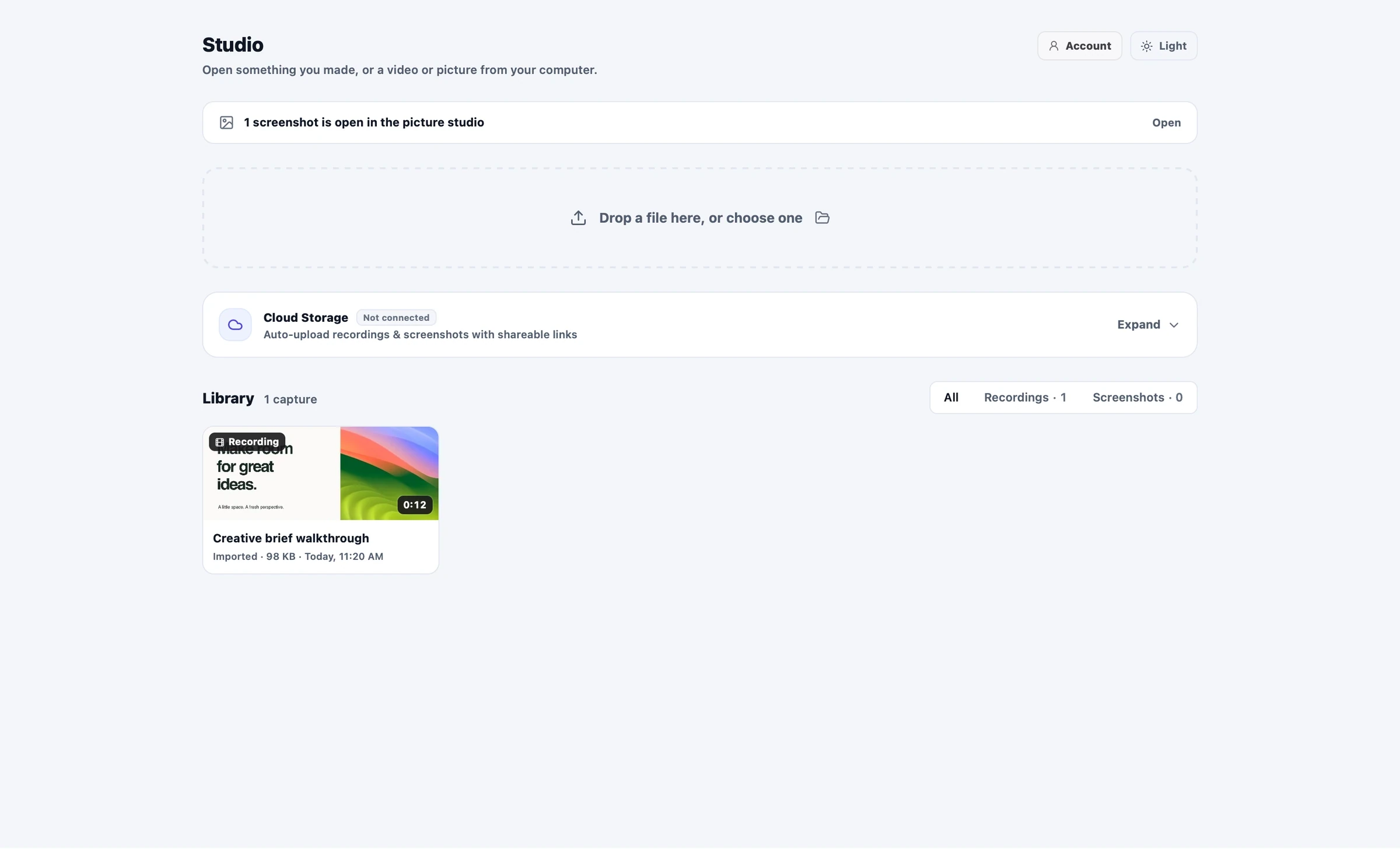
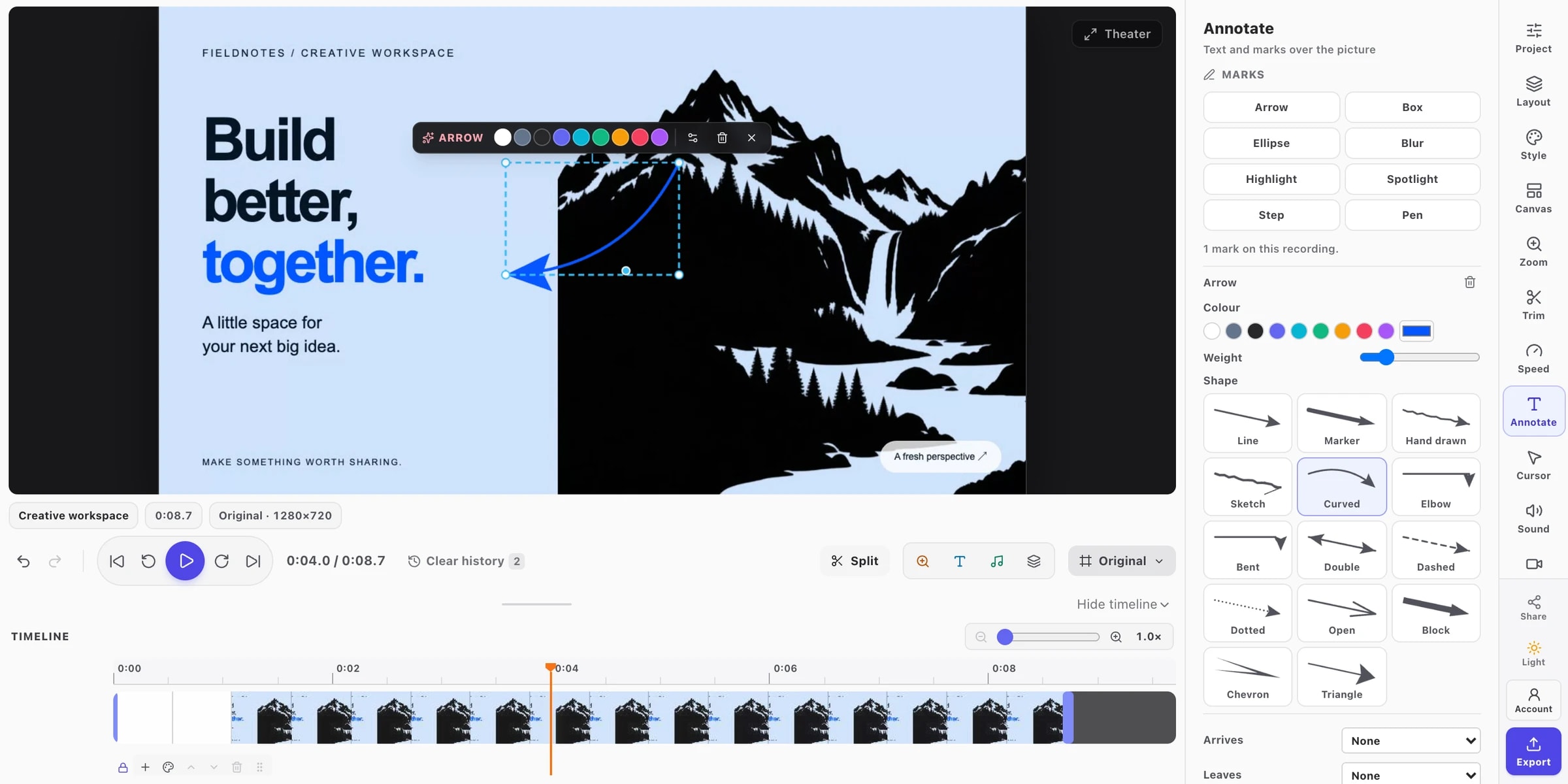
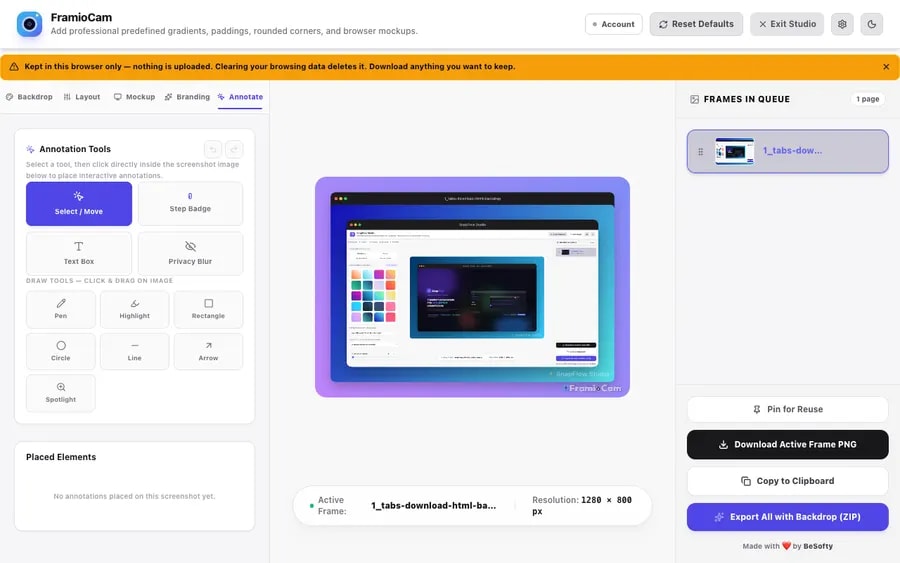
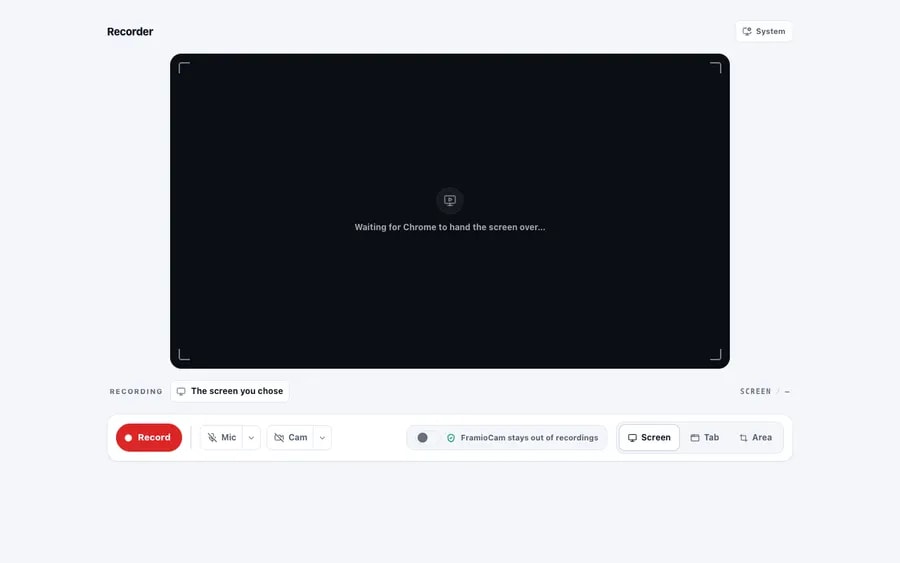
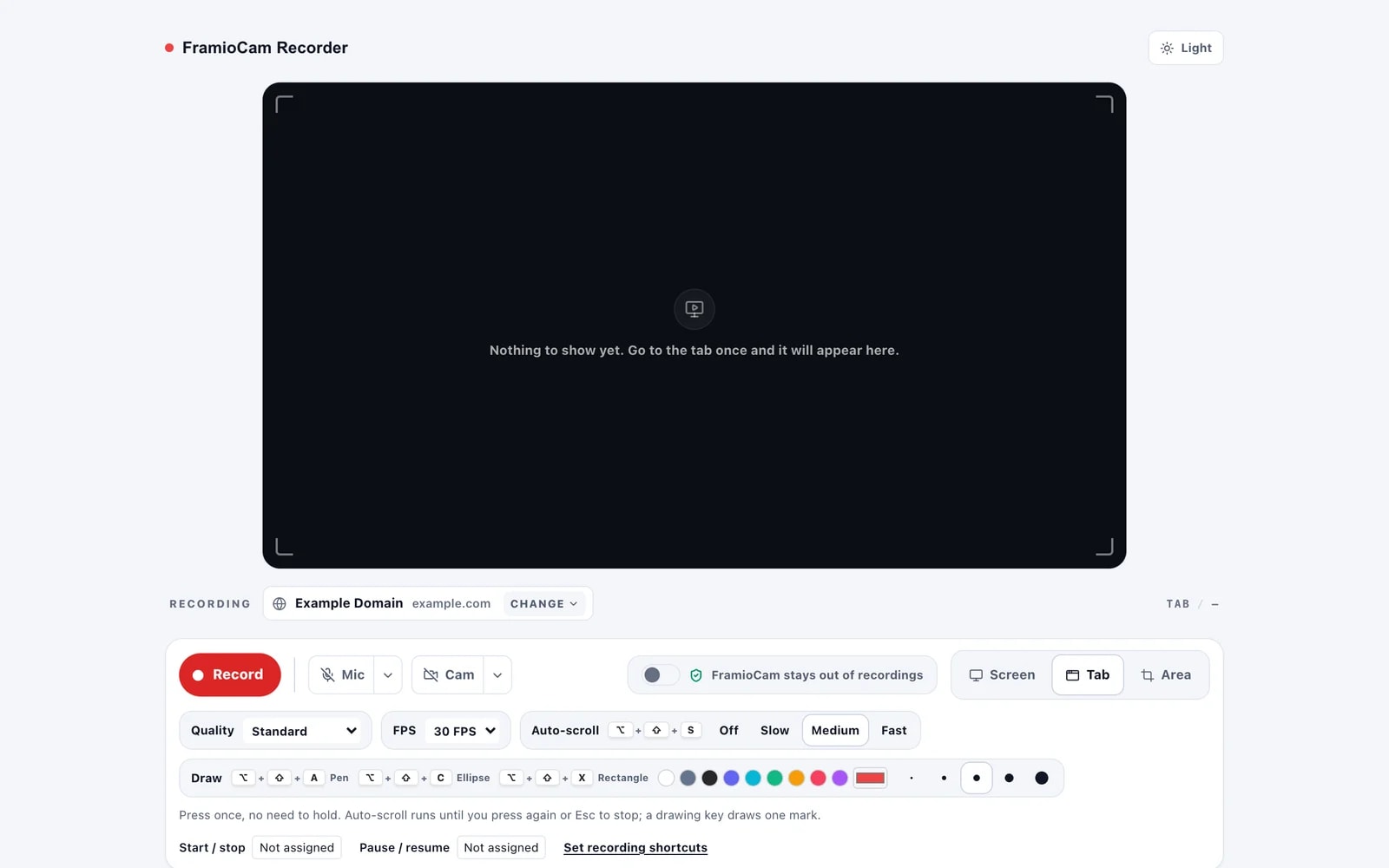
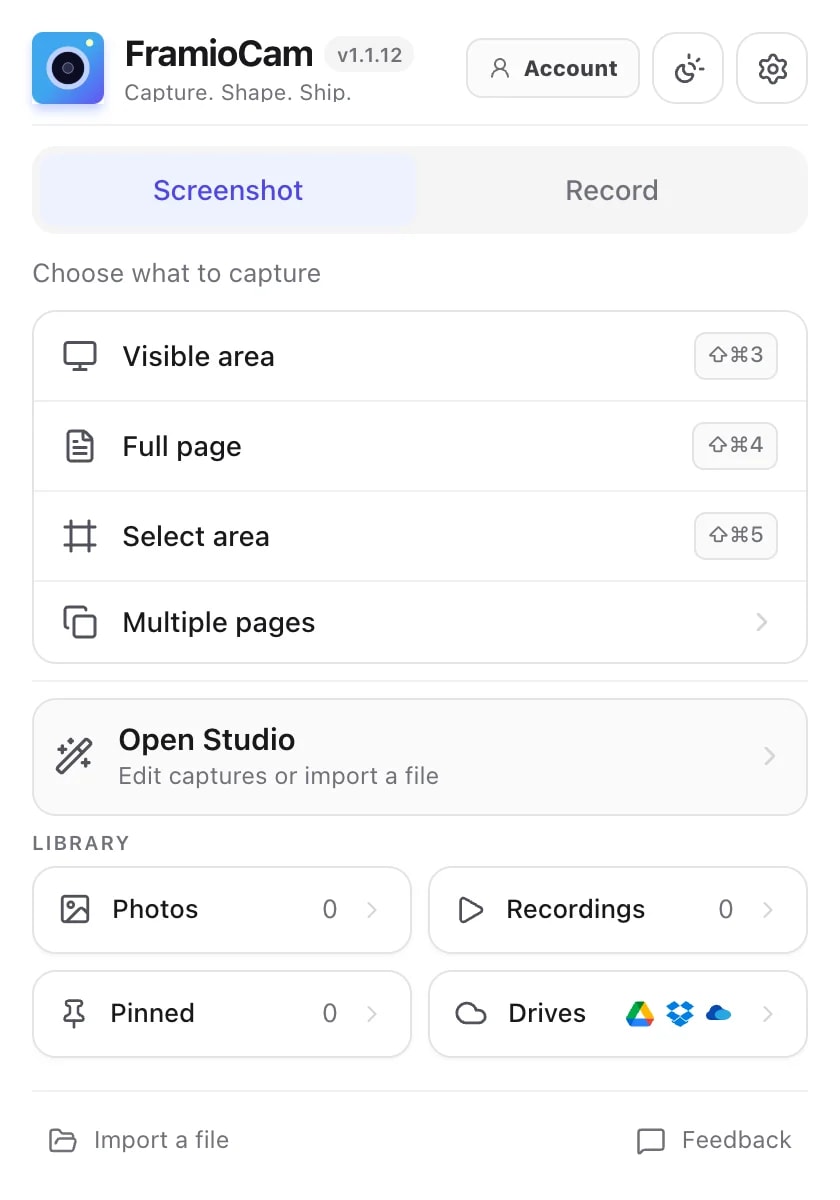
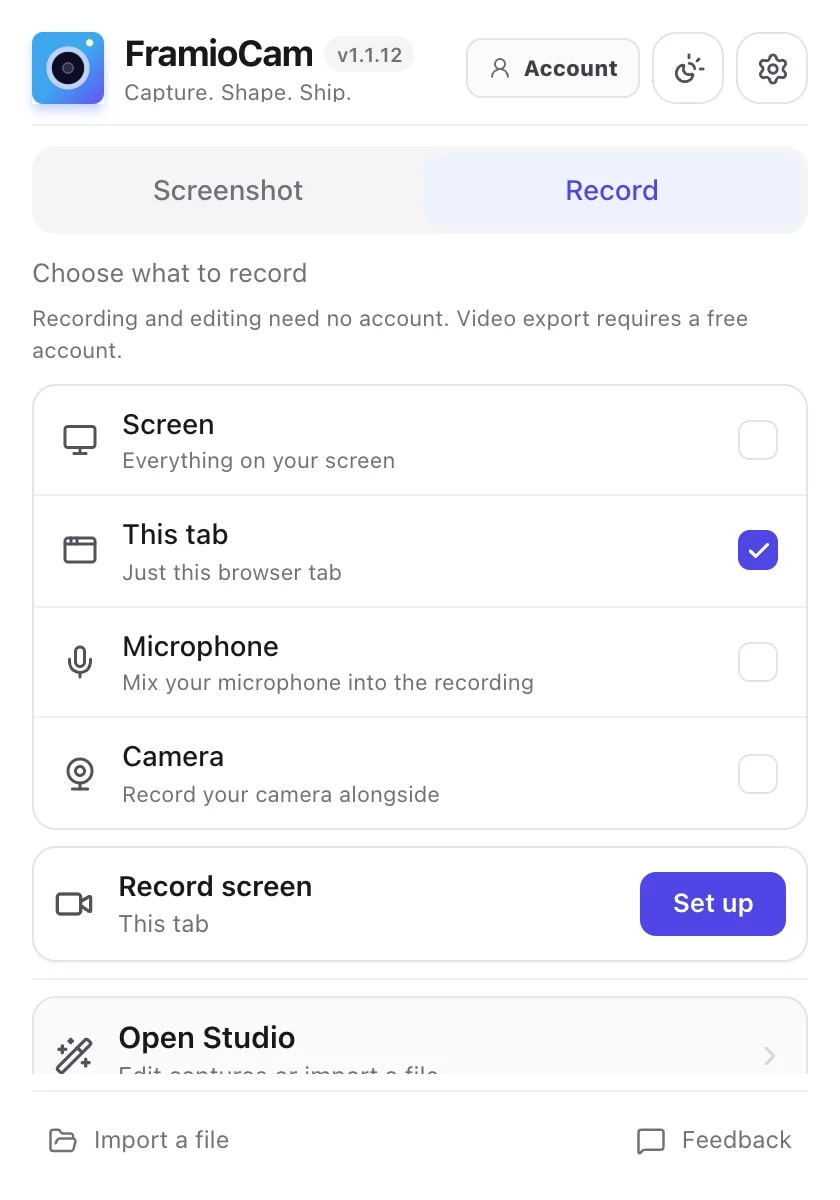
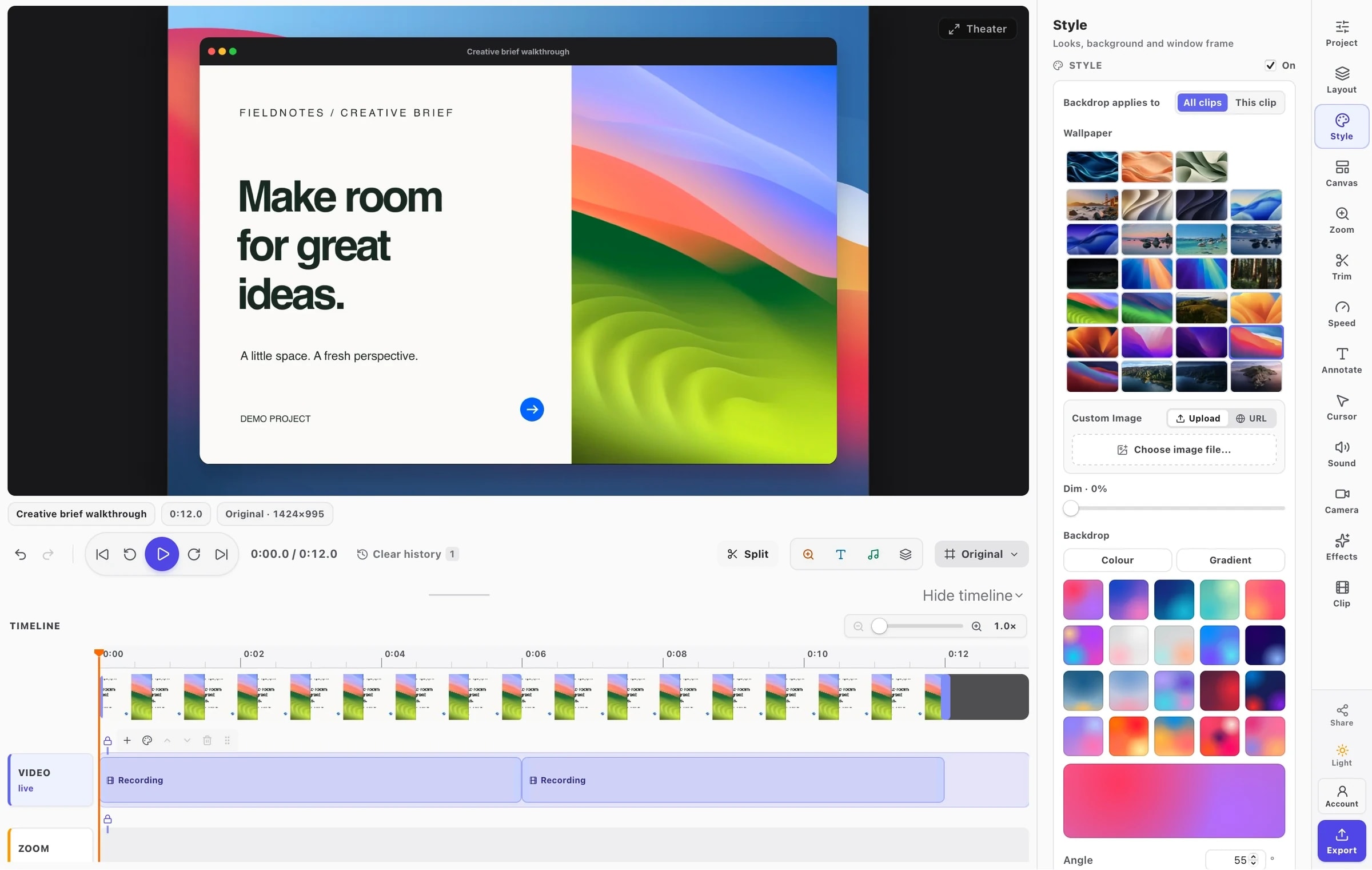
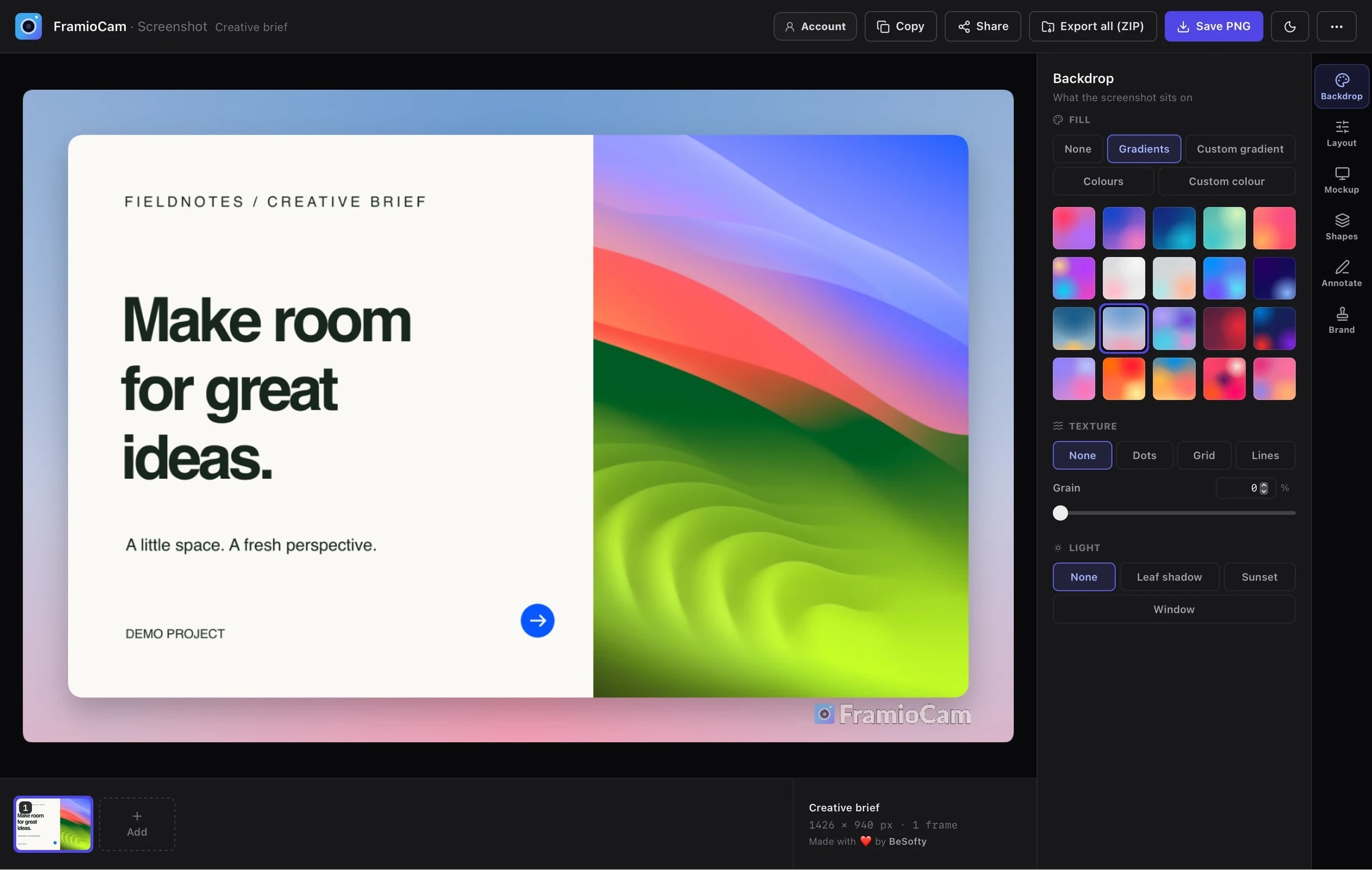
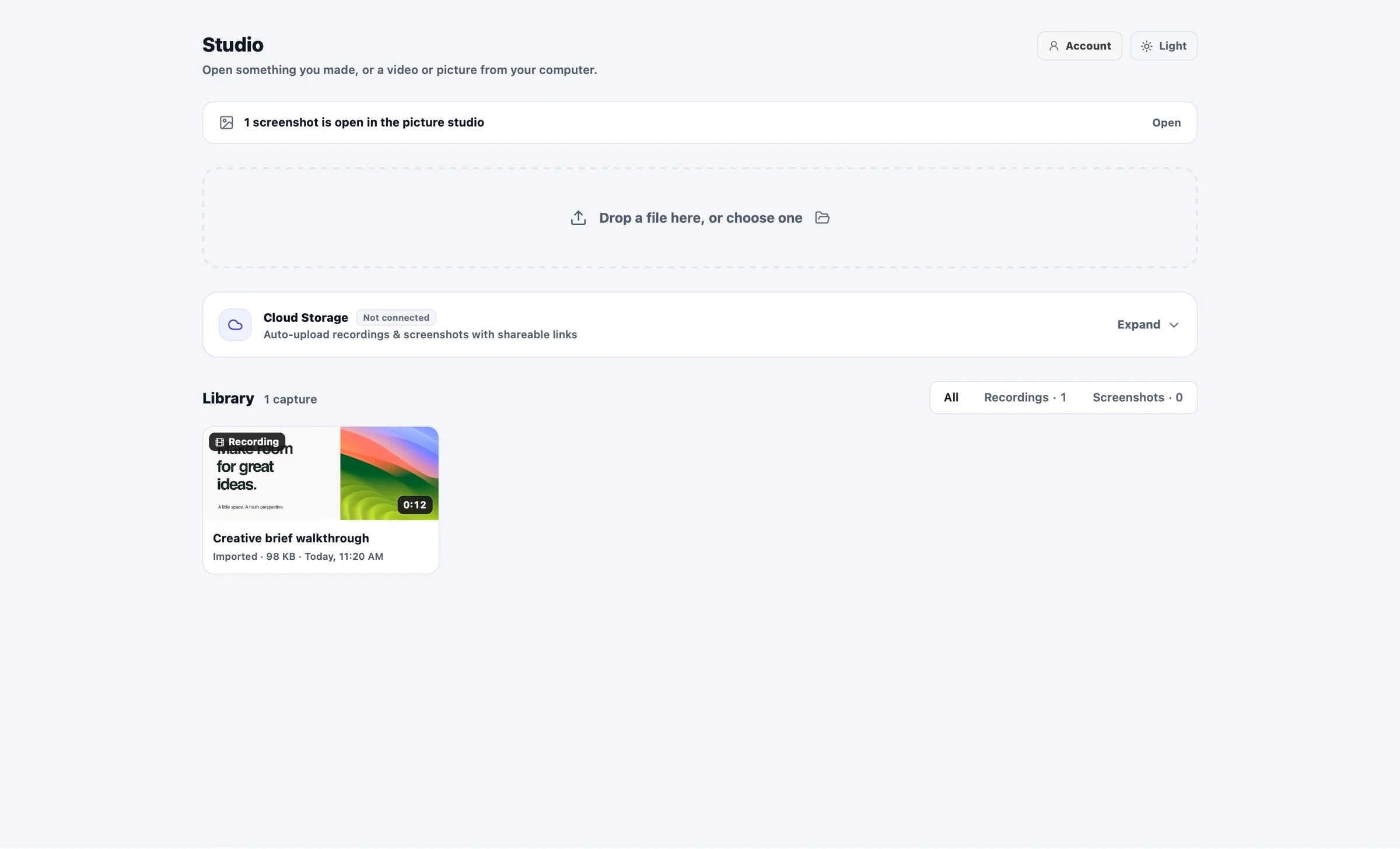
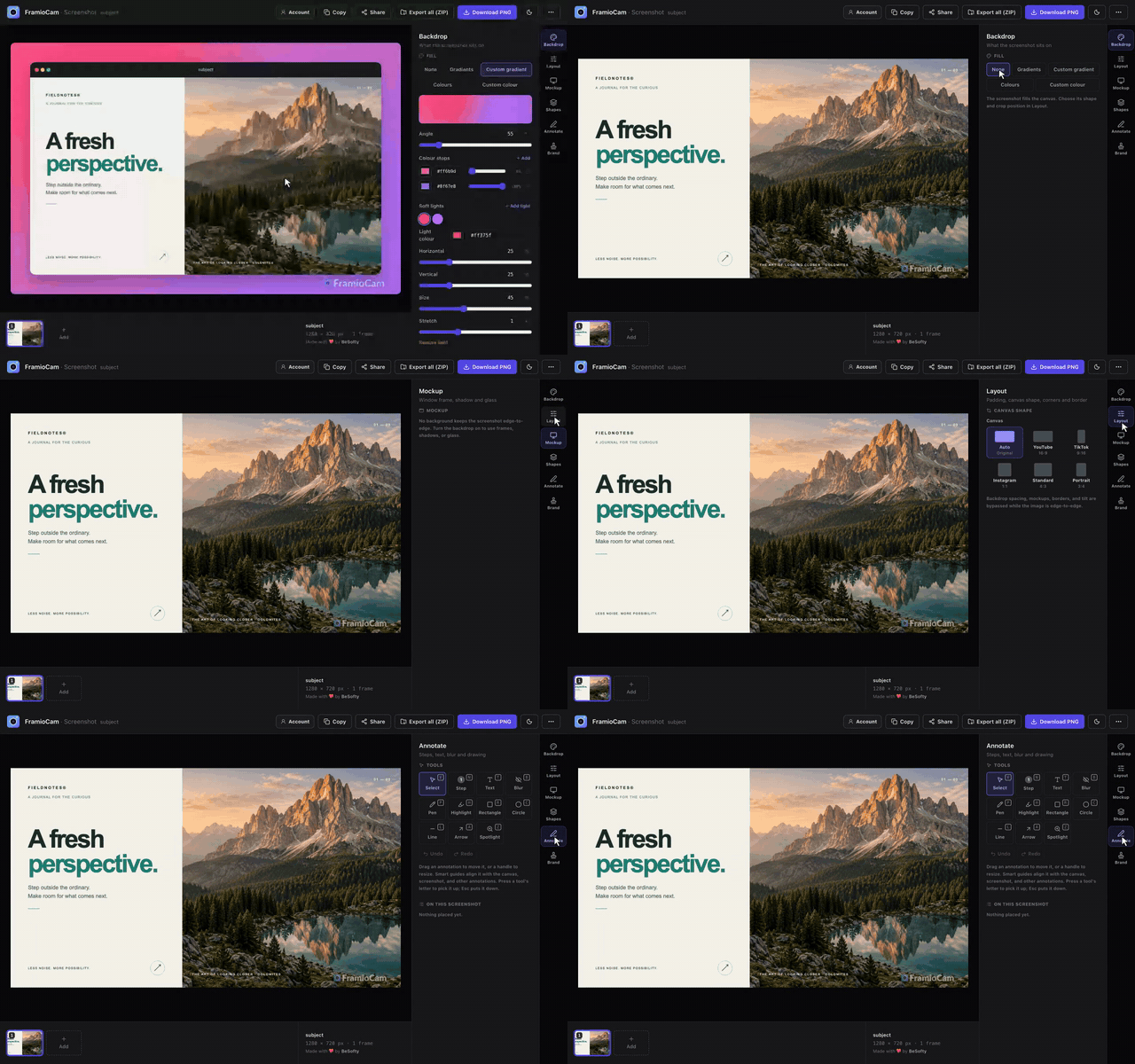
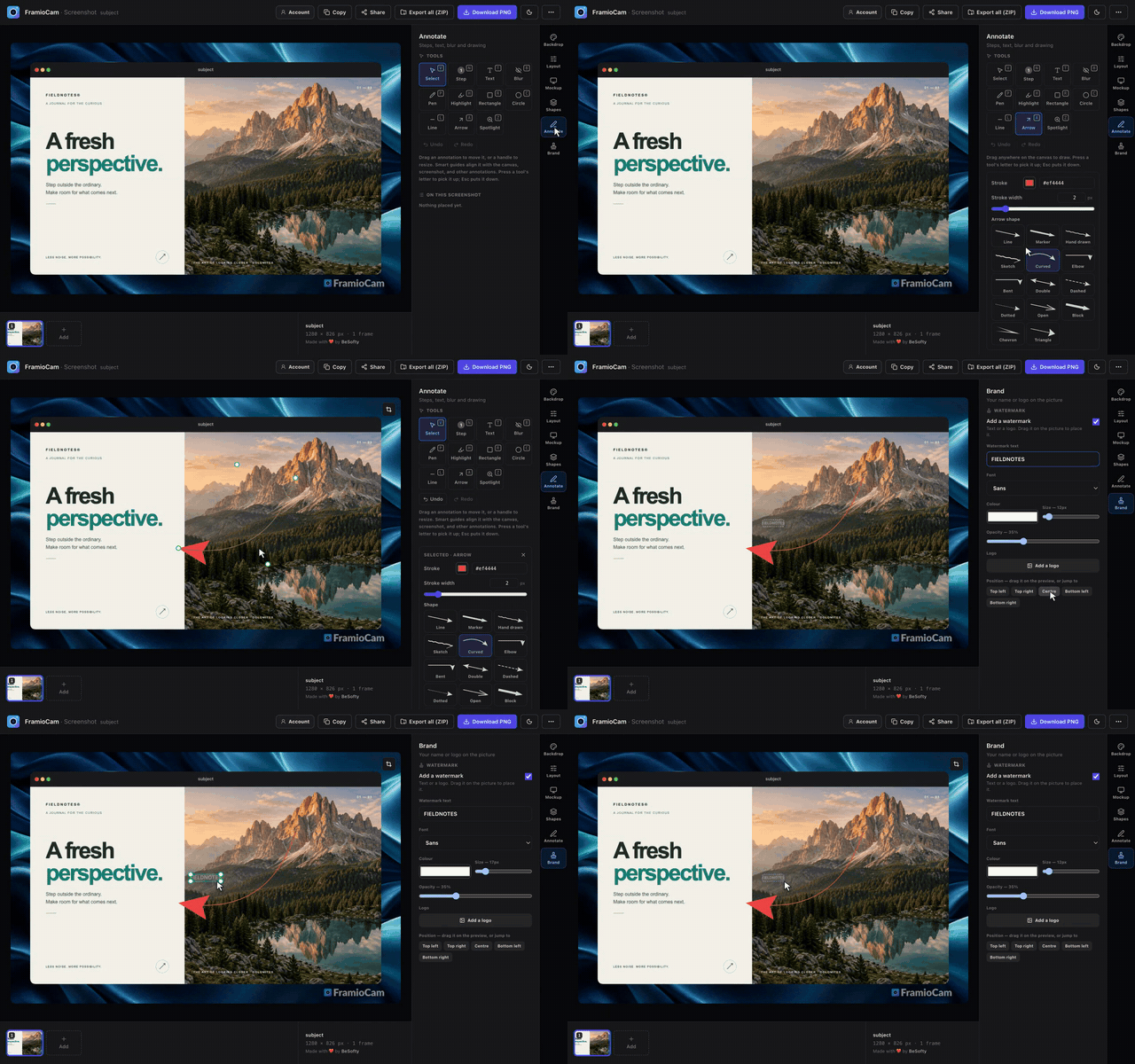
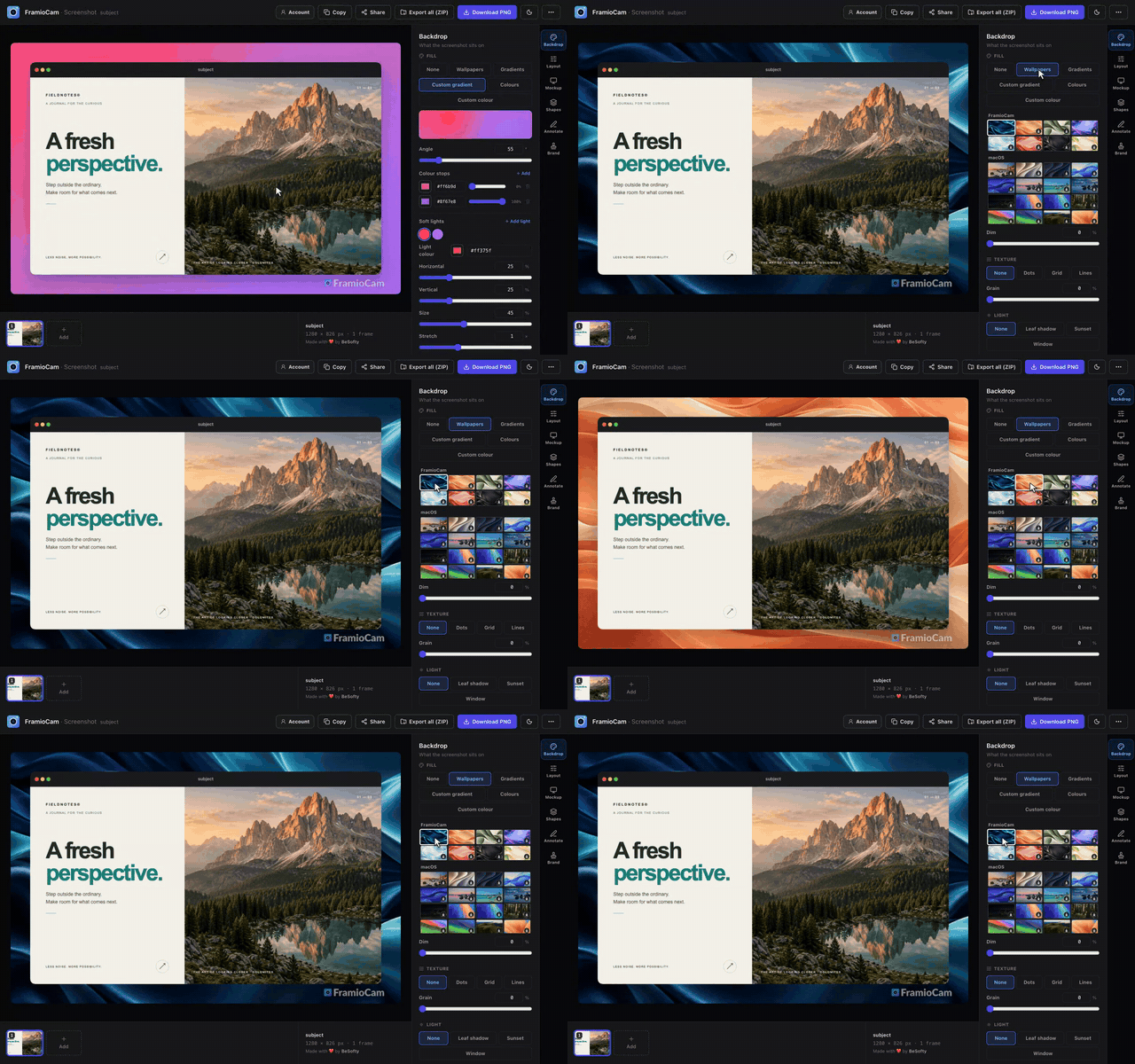
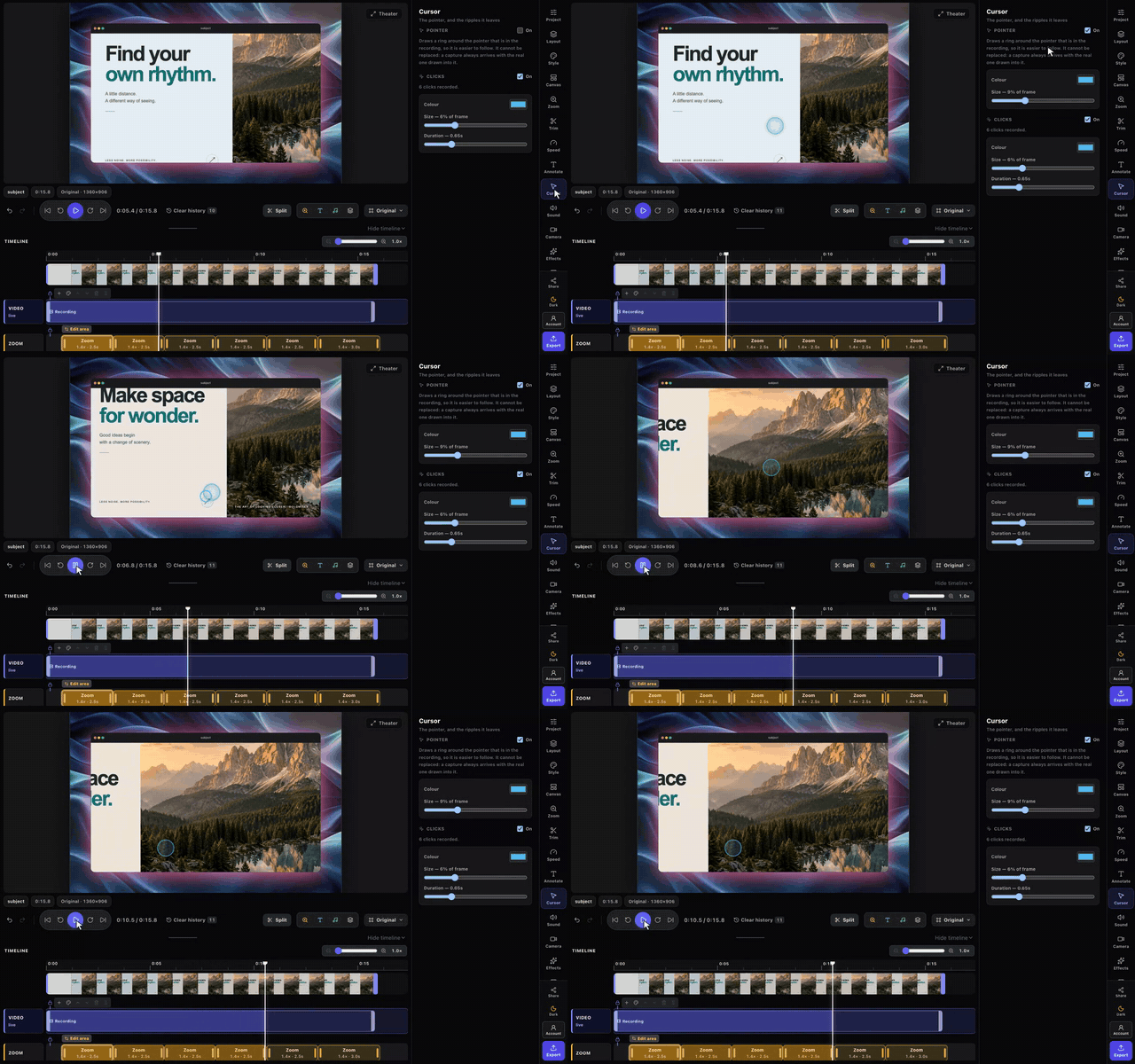
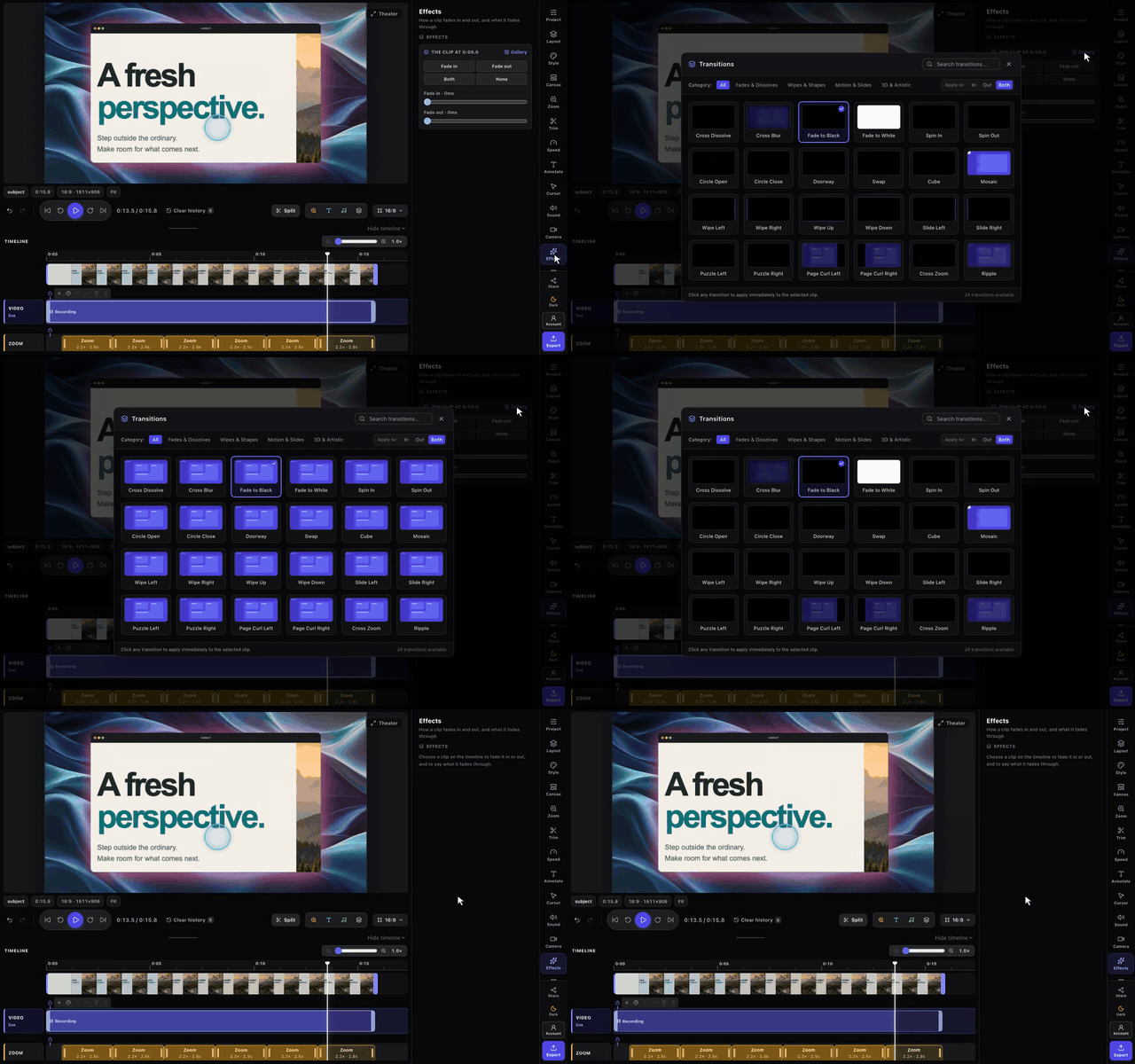
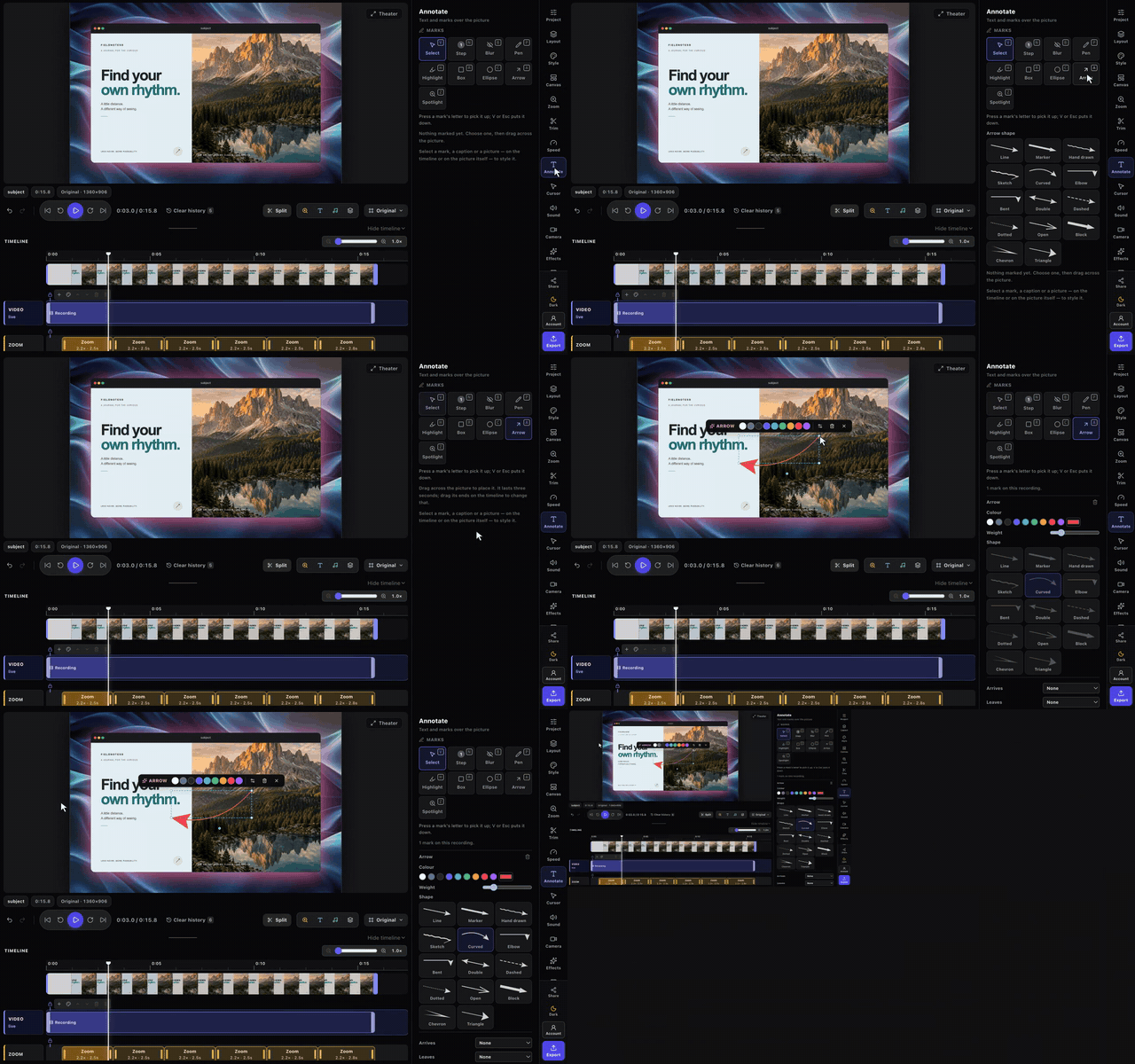
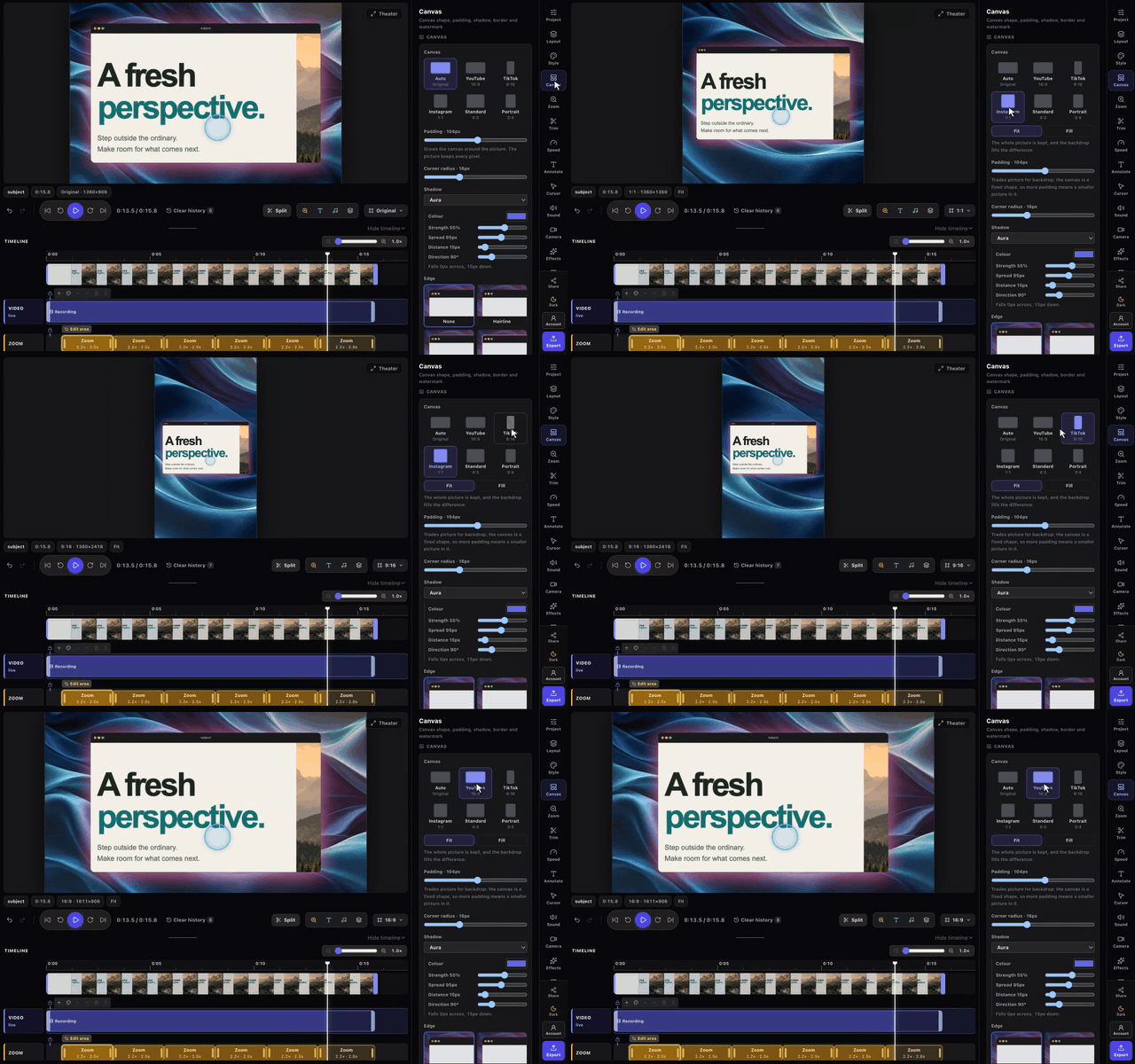
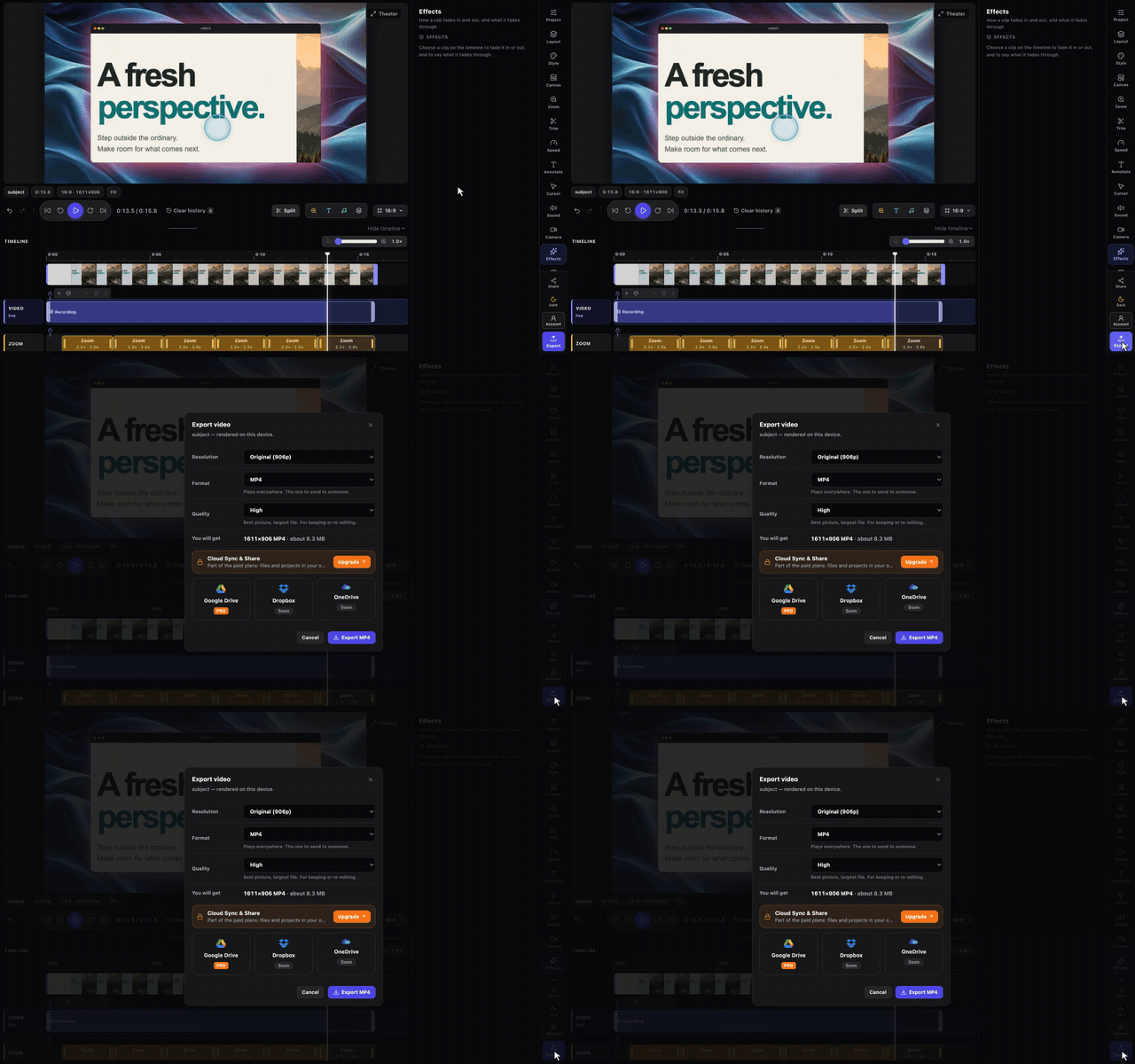
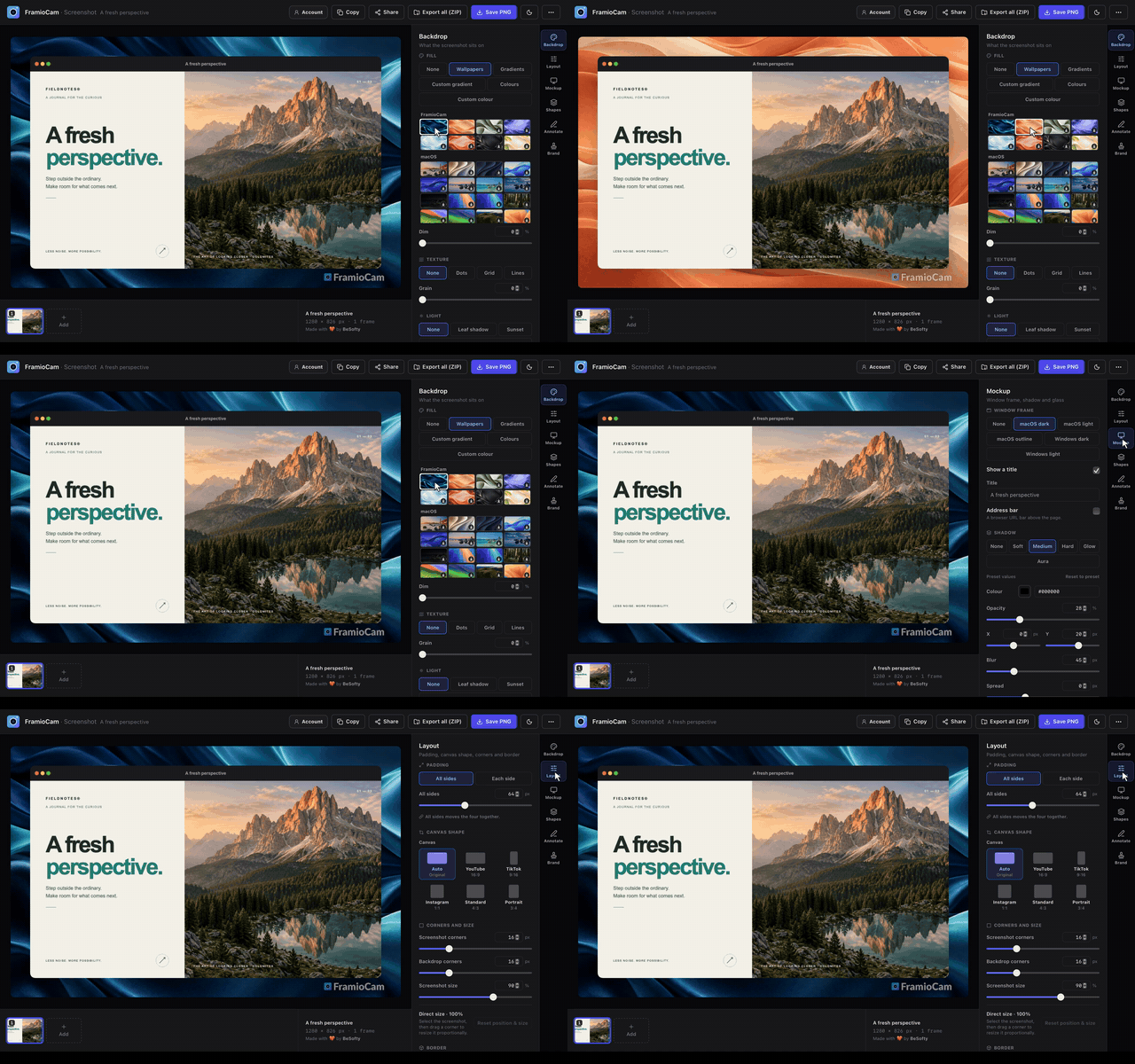
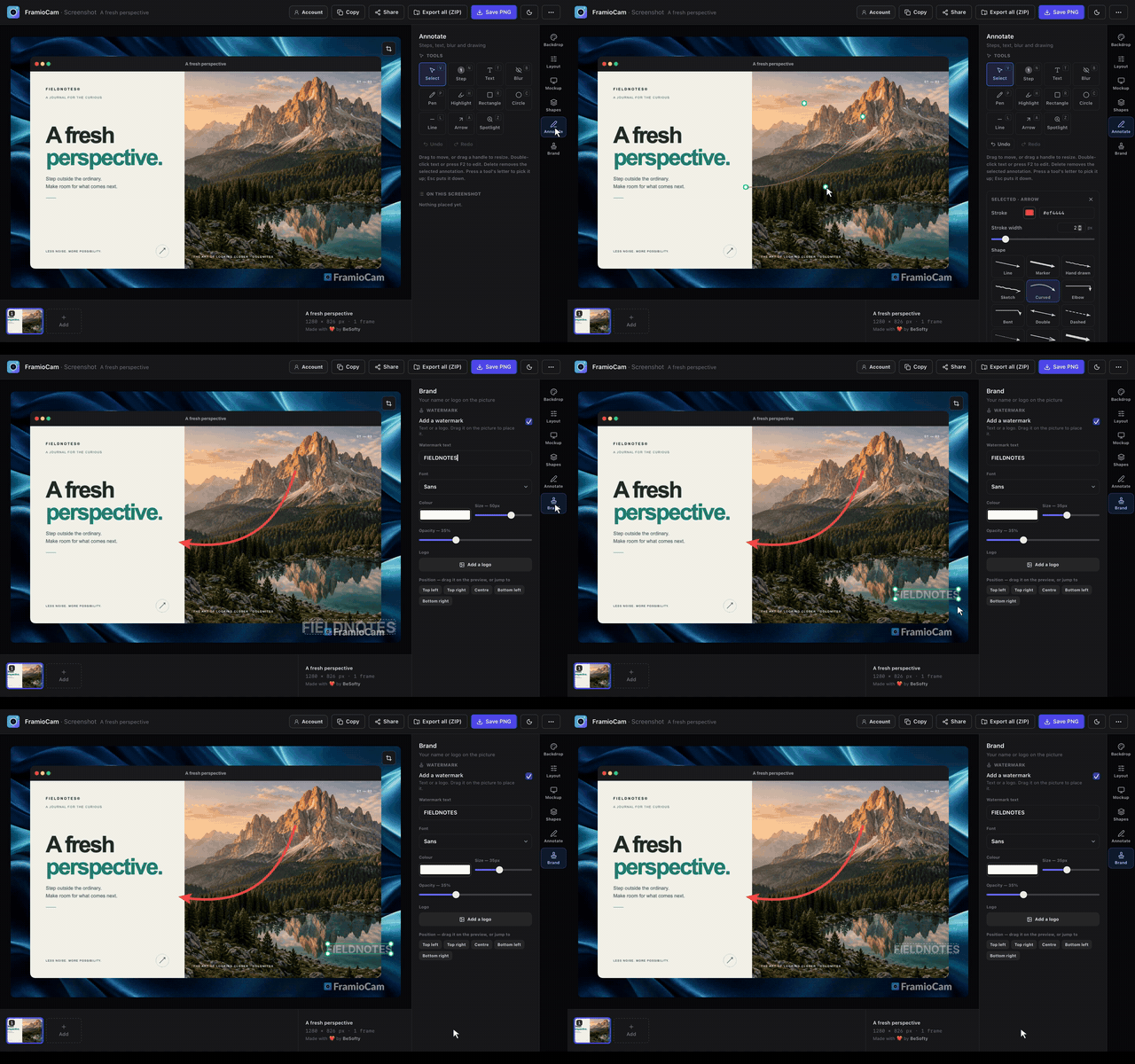
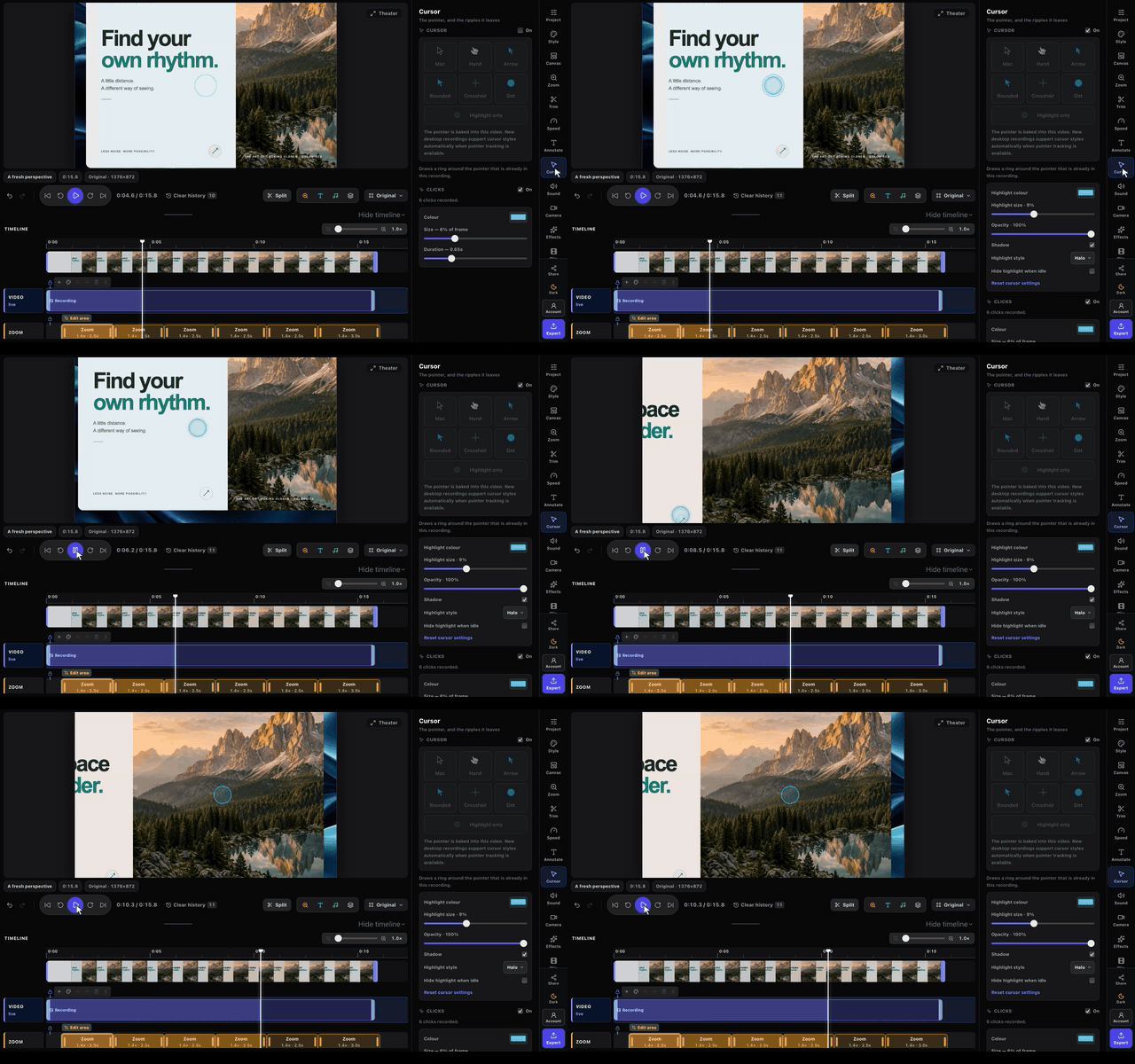
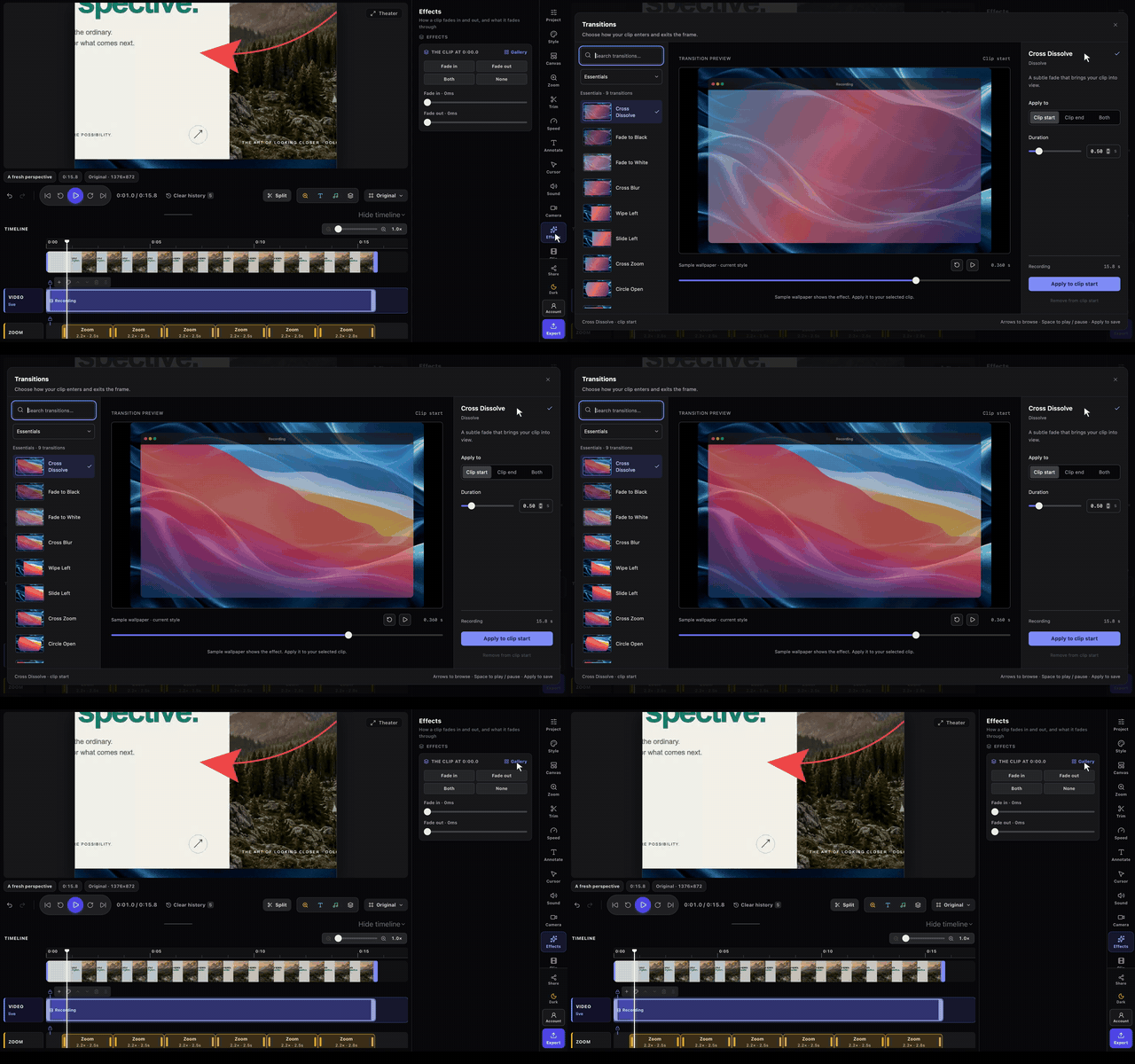
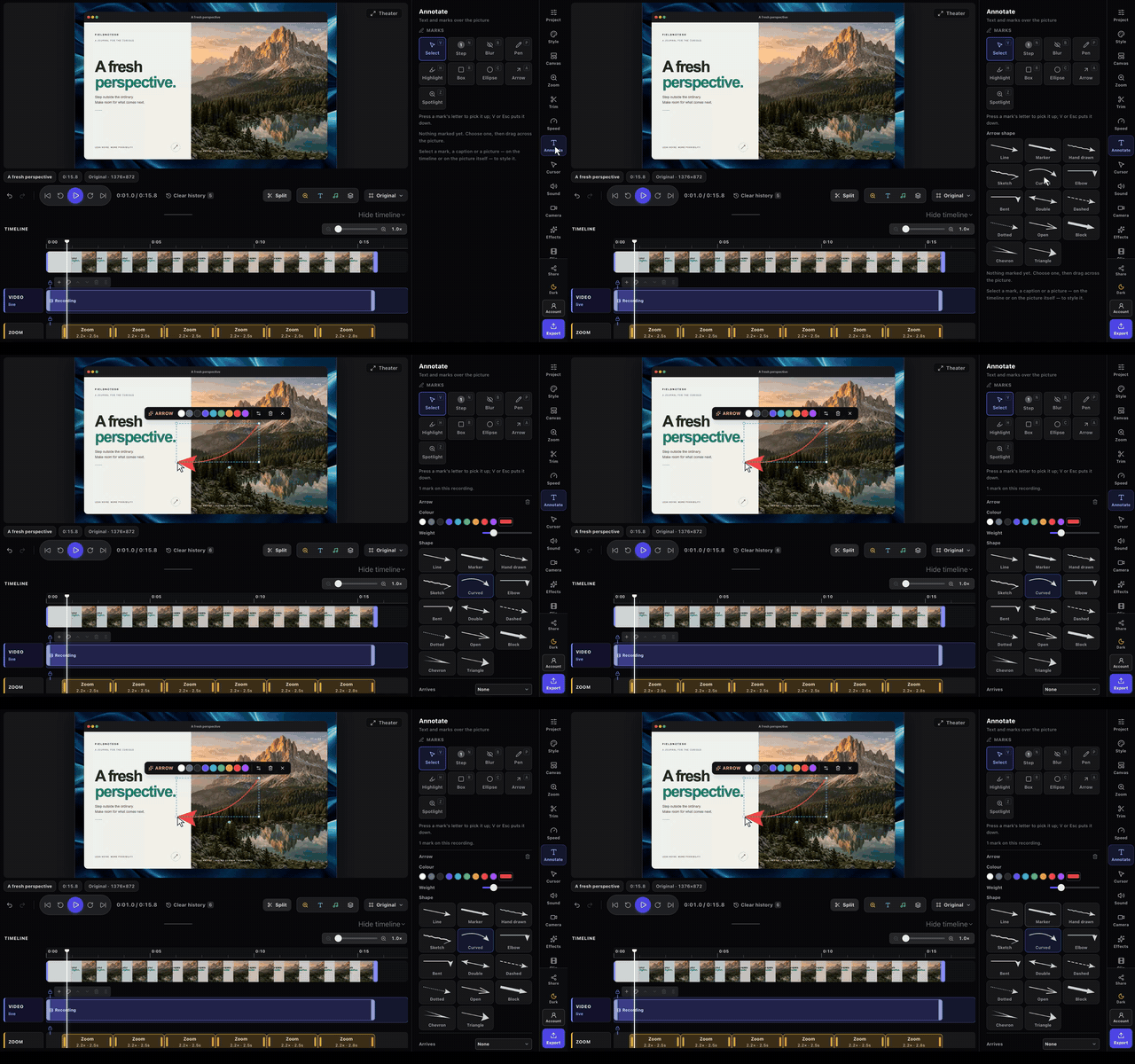
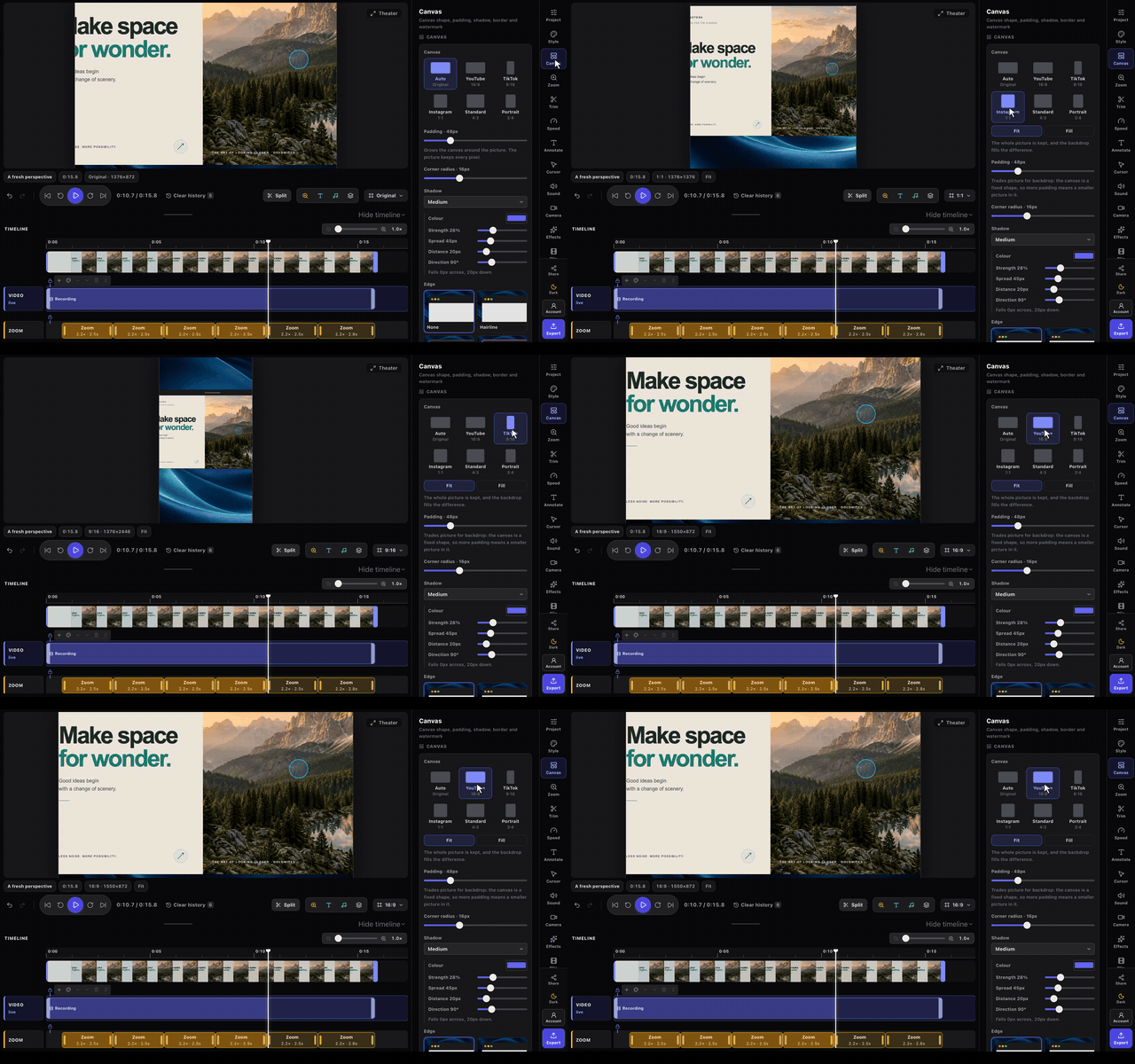
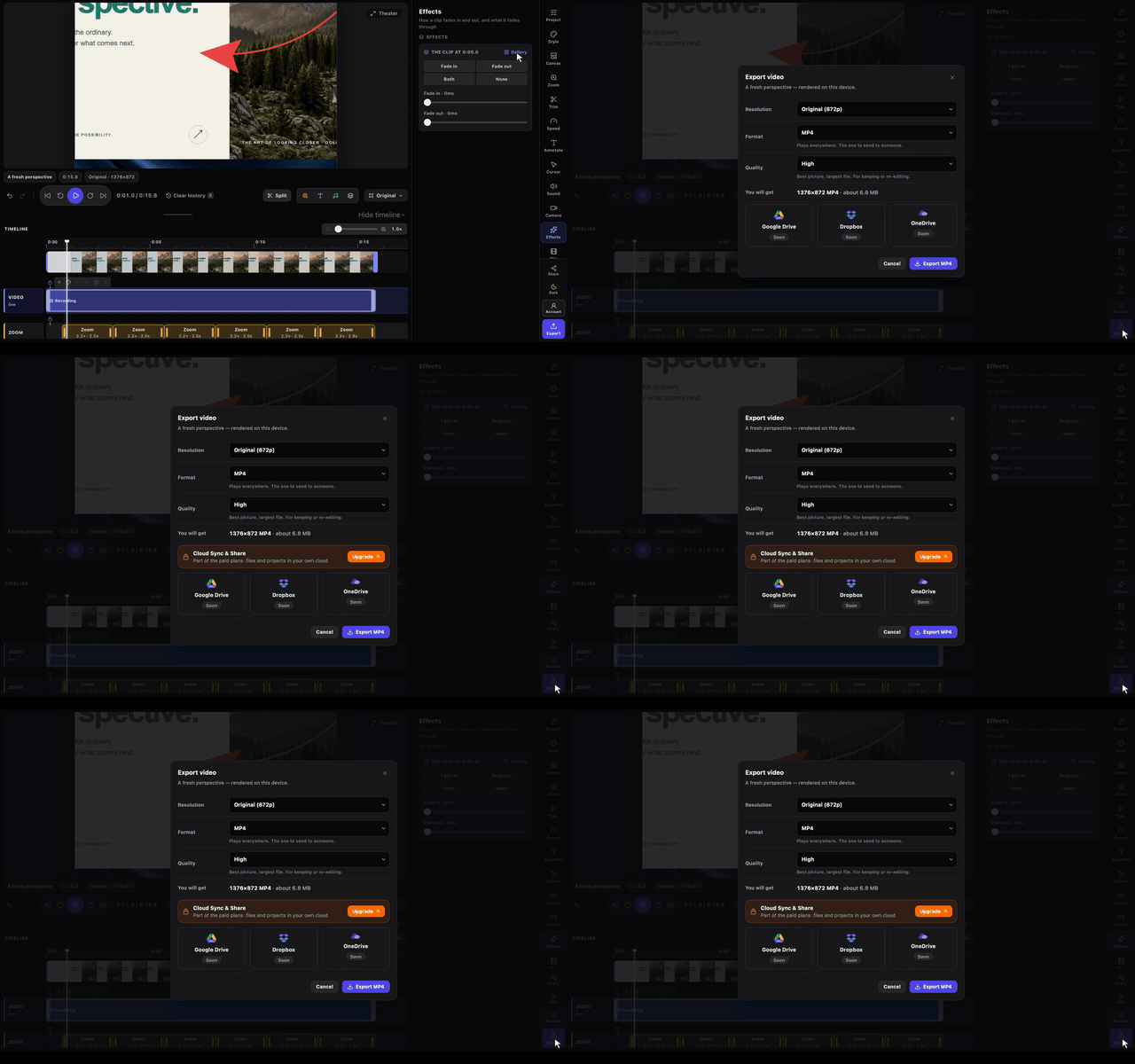
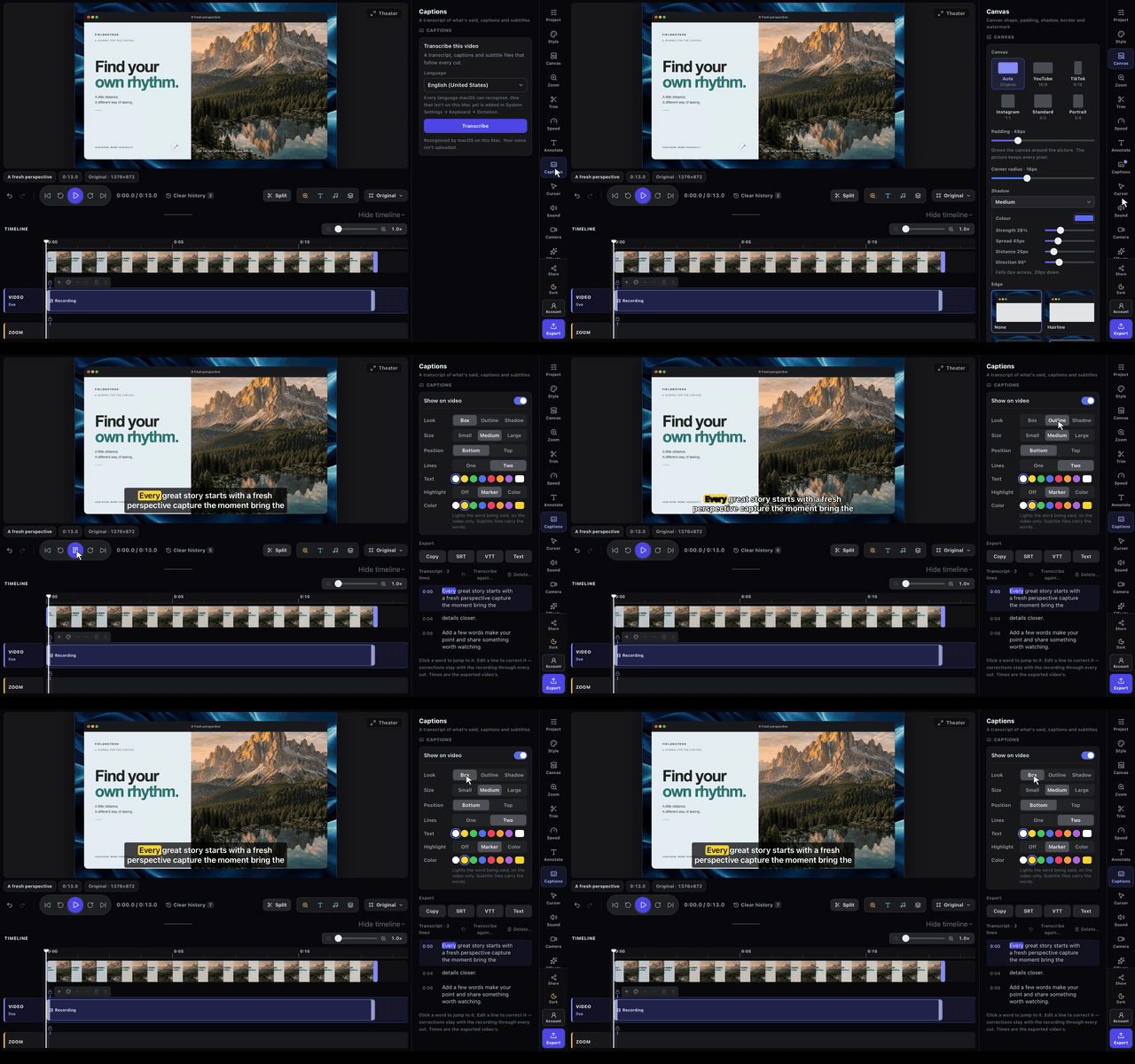
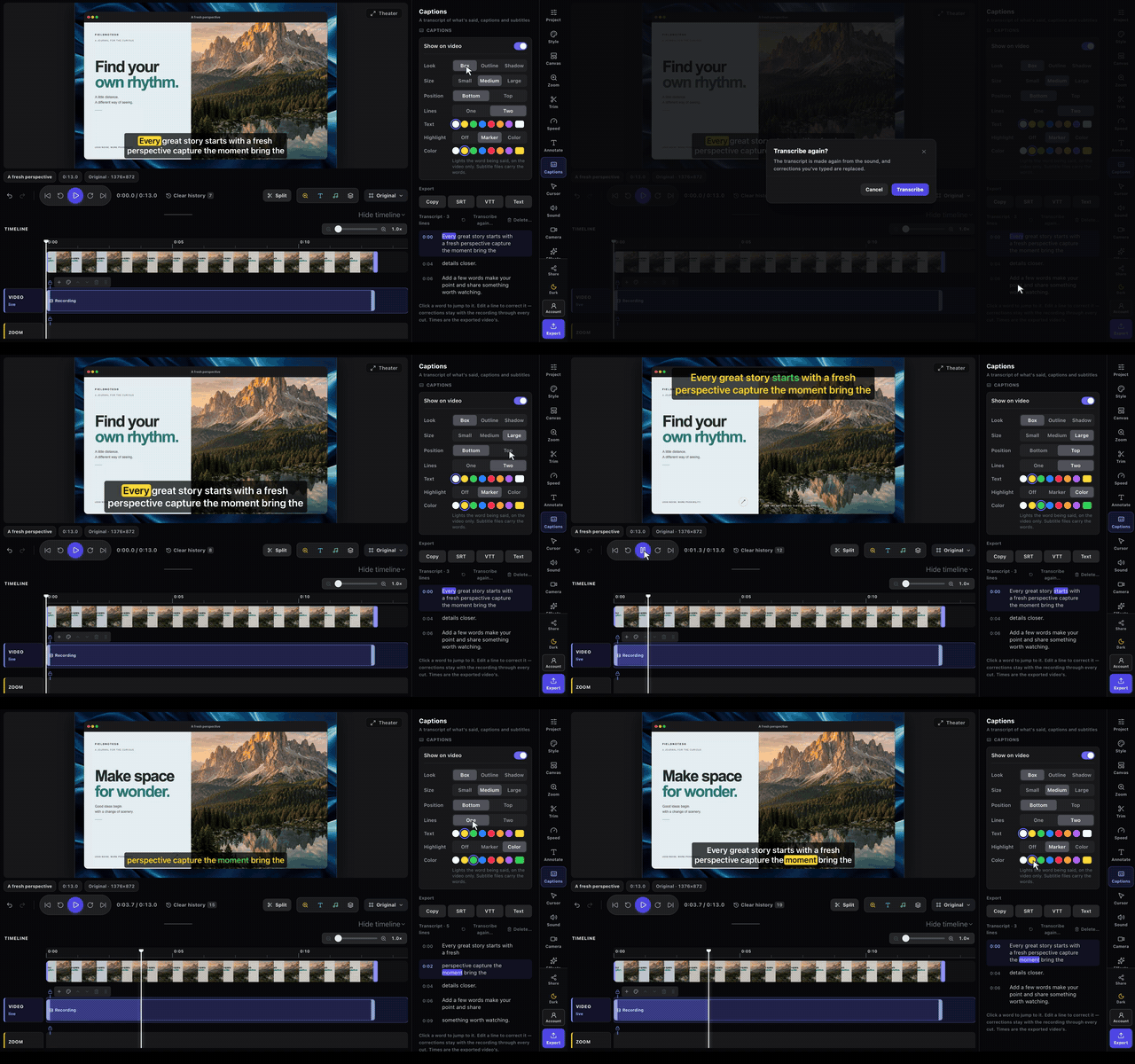
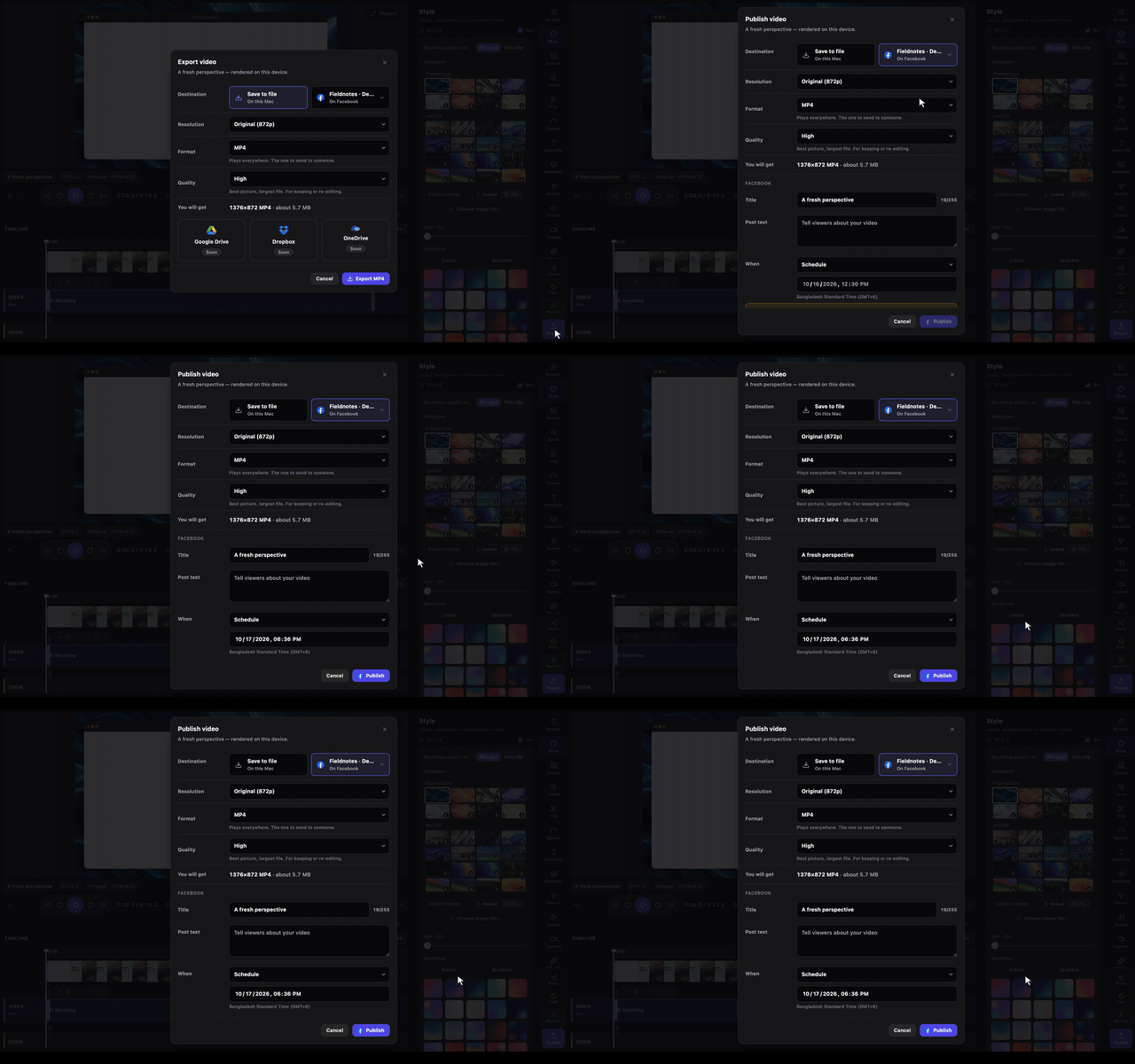
Captures of the real apps with sample content. Free to publish alongside coverage of FramioCam; please do not edit the interface.
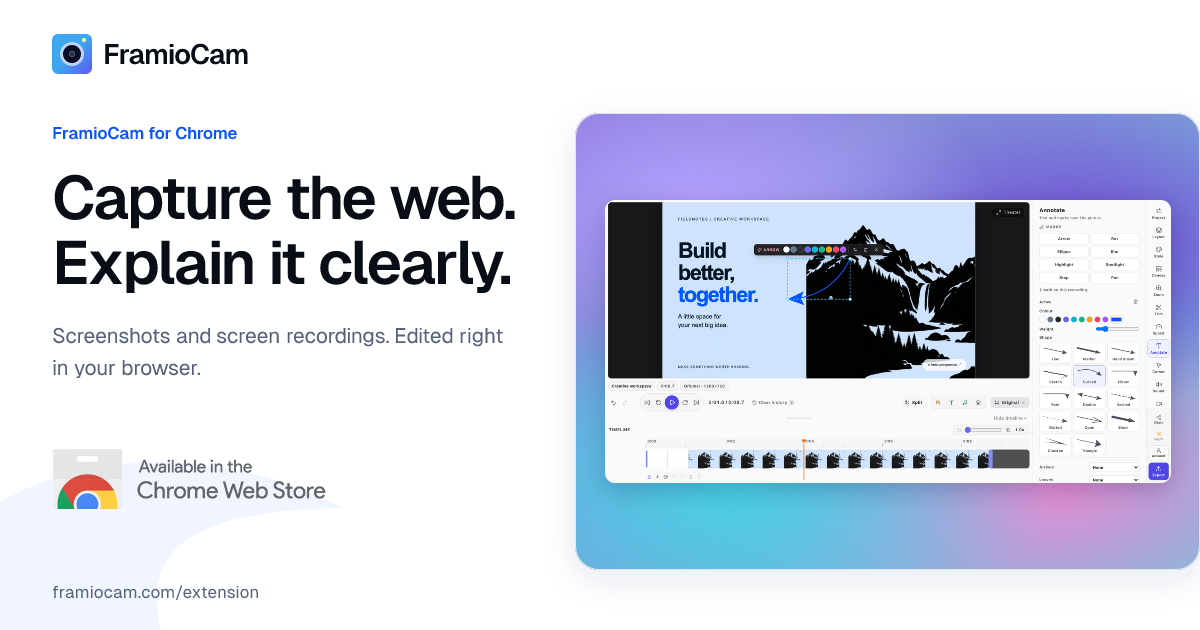
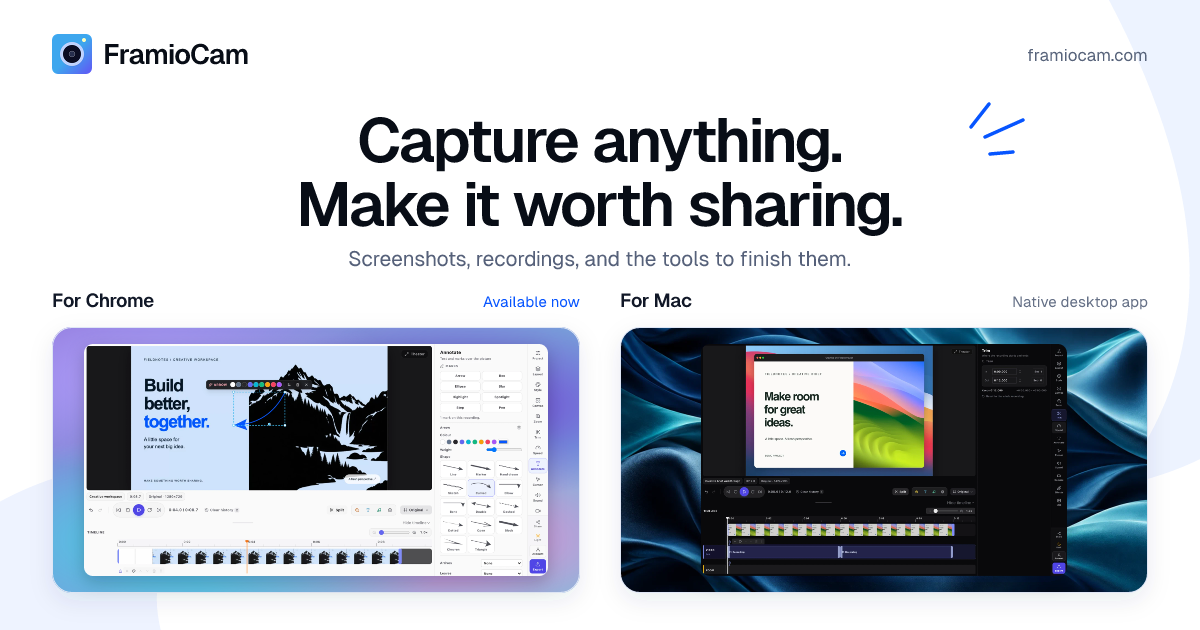
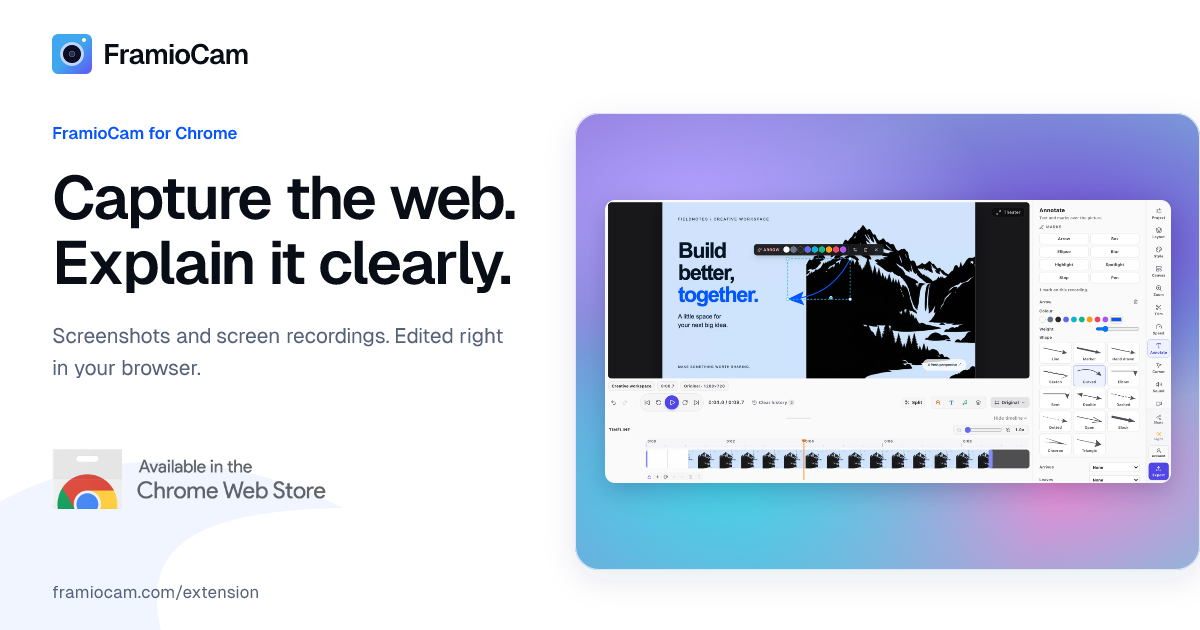
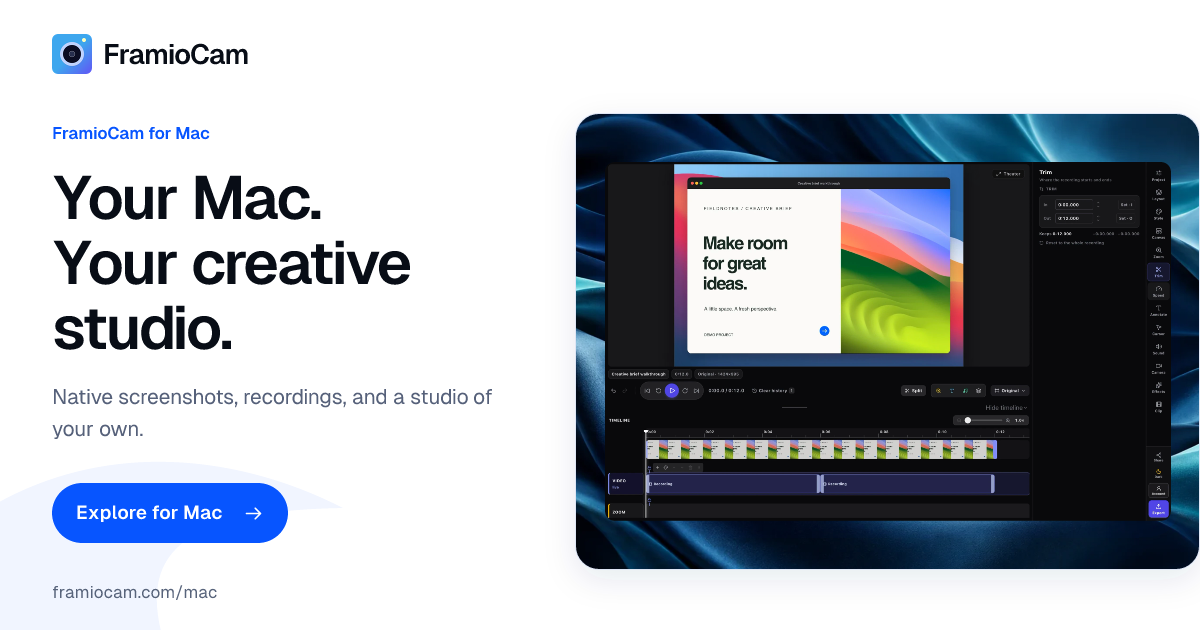
1200 × 630, the link previews the site's pages use. For announcements and posts.
06
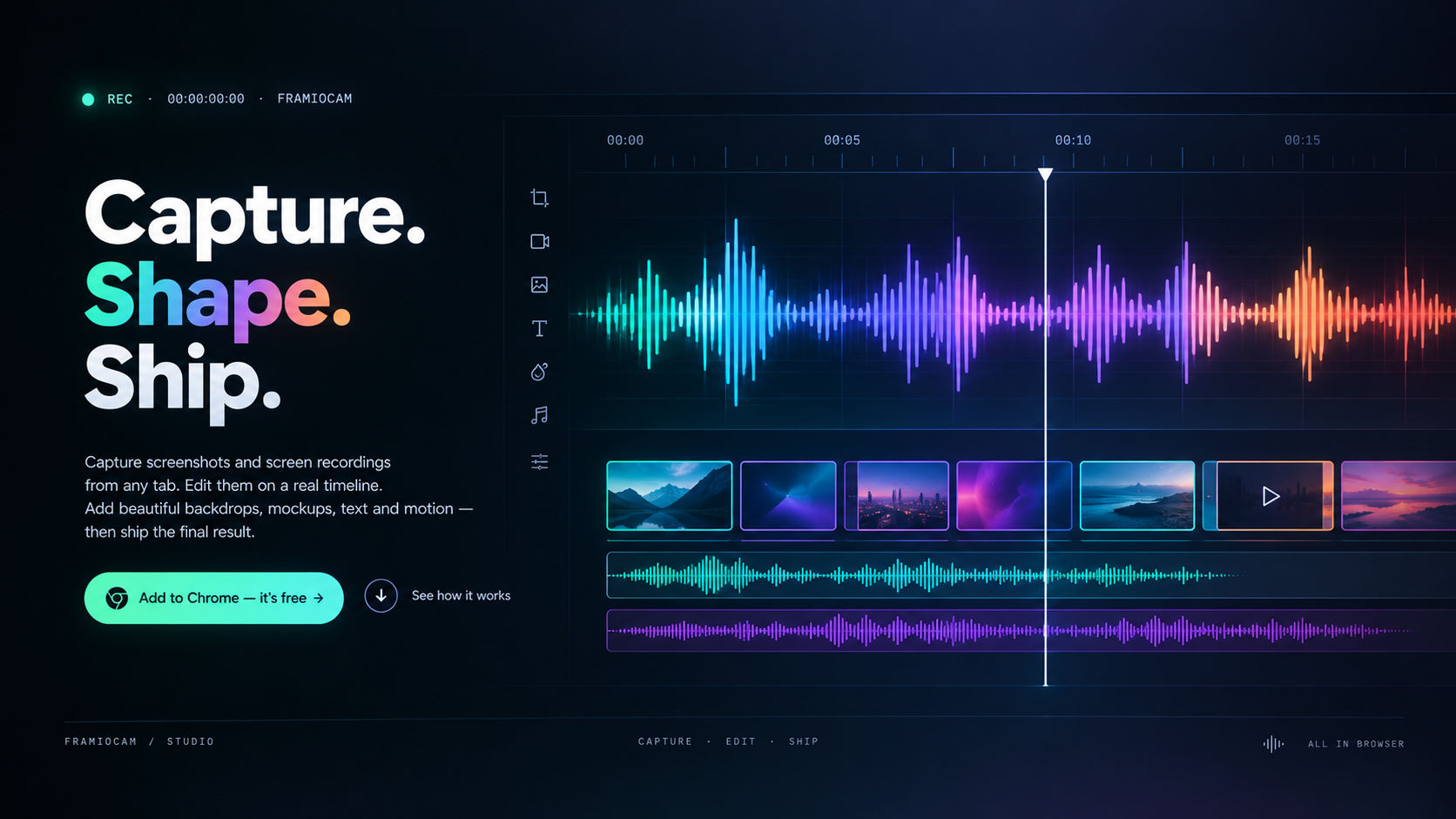
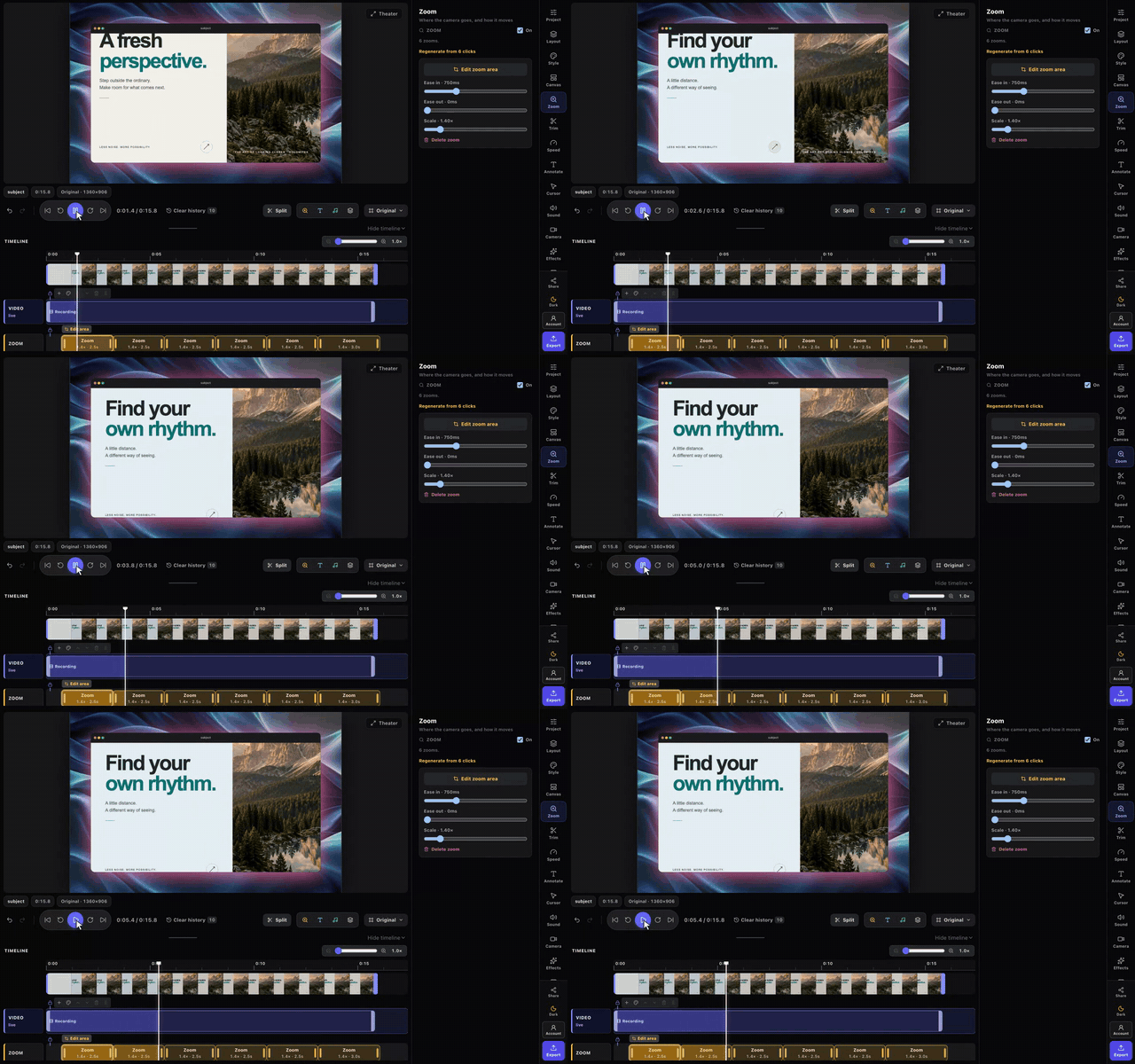
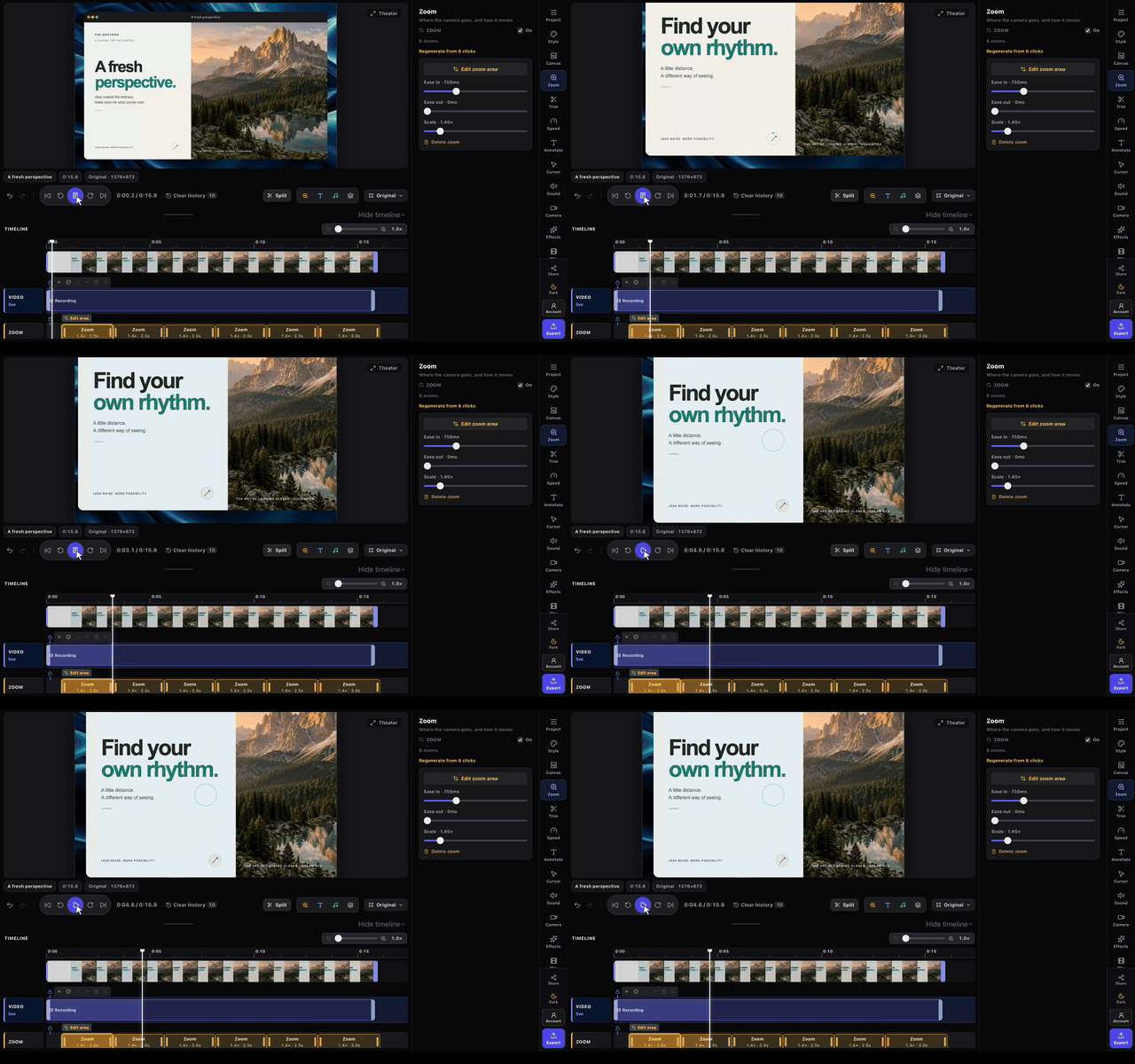
The product overview, and every short clip the site plays, as MP4 or GIF. Silent, 1440 × 900. Embed, link or republish them with coverage of FramioCam.
The FramioCam for Chrome walkthrough on YouTube. Link to it, or embed it in an article.
Recorded in the Chrome extension with sample content.
Recorded in the Mac app, which is still in development. What it shows may change before launch.
07
Short, so they get read. If something you want to do is not covered, ask — we usually say yes.
08
Writing a review, a roundup or a story? Press email is read and answered by the people who build FramioCam.
Interviews, questions, quotes and partnerships.
support@framiocam.com
These assets are provided for writing about FramioCam; using them does not imply that FramioCam endorses you. Chrome and Chrome Web Store are trademarks of Google LLC. Mac and macOS are trademarks of Apple Inc.
Choose where you create
Browser-first or native on Mac. Find the FramioCam that fits the way you work.
Chrome available now · Mac coming soon · Separate licences
We use .