
Screen capture that stays on your machineGet the deal
Browse this guide

Capture across your Mac.

Capture desktop apps and windows with the native Mac app. Open the result in Screenshot Studio, or bring in an image already on your Mac.

Mac app guideDownload for Mac
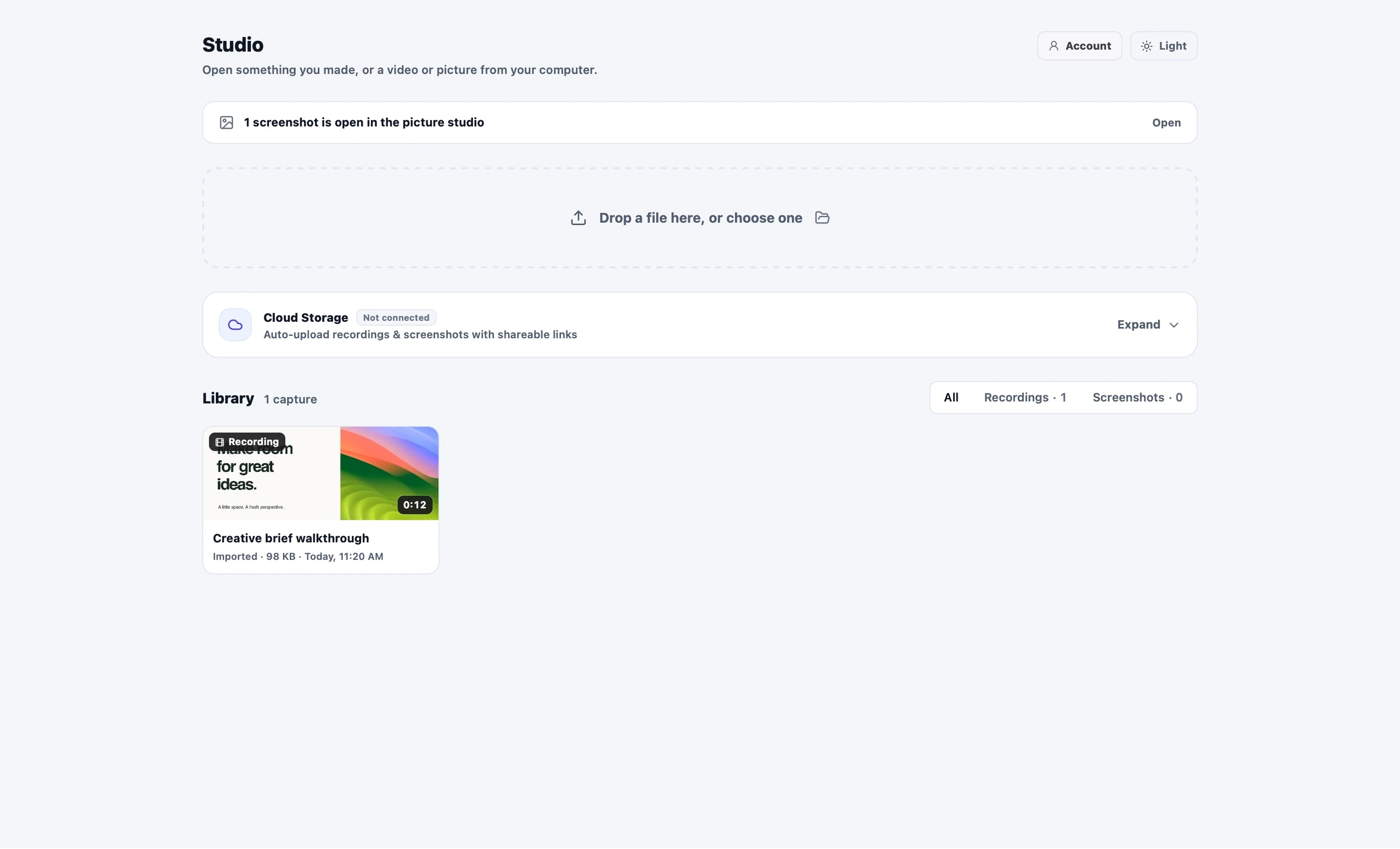
The native FramioCam for Mac library with a recording ready to edit.

The Mac library keeps captures close to the editors.

View full size

Getting started

Capture desktop apps and windows with the native Mac app. Open the result in Screenshot Studio, or bring in an image already on your Mac.

  • Capture a display, a window or an area
  • Stitch scrolling content into one tall screenshot
  • Capture from the keyboard, with no window open
Explore this guide

Start readingCapture sources

FramioCam for Mac

Make more
of your Mac.

A native capture workflow. A creative workspace of your own. Free to download.

macOS 14 Sonoma or later · Apple silicon · Free to start

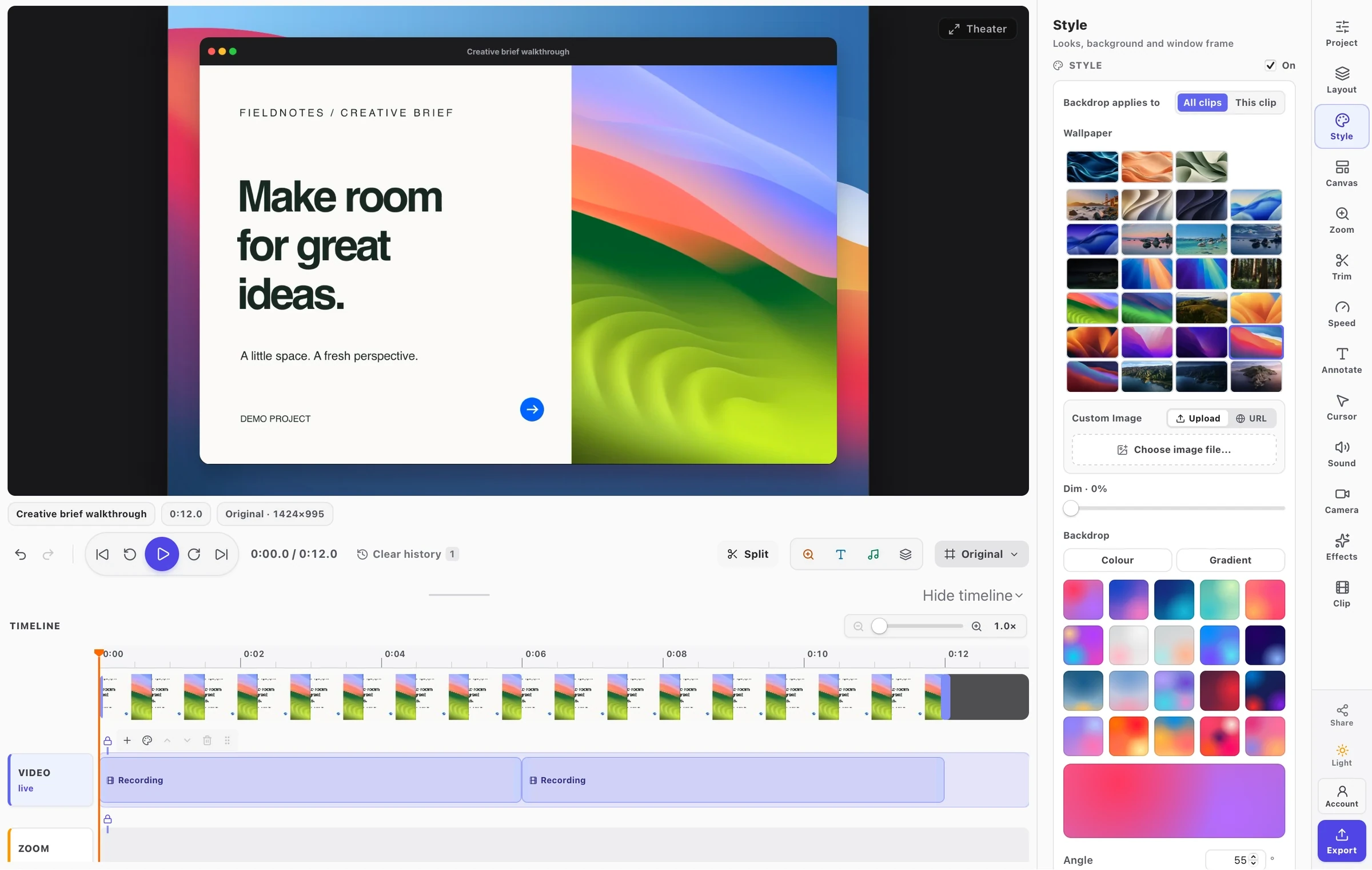
The actual FramioCam desktop app on the FramioCam Tidal Silk backdrop.
A closer look at the Mac app

FramioCam in action

Record, capture, edit, and export in Chrome.

Watch on YouTube ↗