5 min read
A Camtasia Alternative You Pay For Once
Camtasia's editor costs $179.88 a year. FramioCam records, edits, captions and exports screen recordings on Mac and Chrome for one payment.
- comparisons
- screen-recording
- camtasia-alternative
- mac
- no-subscription
KEY TAKEAWAYS
- Camtasia's editor is part of Essentials, $179.88 a year, which is $539.64 over three years at the list price. FramioCam Pro is one payment.
- FramioCam for Mac covers the tutorial workflow most people buy Camtasia for: record, cut, zoom on clicks, annotate, caption on-device, export up to 4K.
- Stay with Camtasia if you need the Windows desktop app, quizzes and SCORM export, text-based editing in Audiate, or a stock-asset library.
Camtasia has been the default answer to “how do I make a software tutorial” for a long time. It is also a subscription now, and the plan that includes the Camtasia Editor costs more each year than most people spend on every other app on their computer.
If what you make is screen tutorials, product walkthroughs and how-to videos, FramioCam does that job for one payment, on a Mac or in Chrome. This post is about where that swap works and where it does not.
Camtasia’s plans, as listed on 20 November 2026
Read from TechSmith’s store page. All four are billed yearly.
| Plan | Price | What it adds |
|---|---|---|
| Starter | $39.00 / year | Snagit and Camtasia recording, screenshot editing, GIF maker. No Camtasia Editor in the listed products |
| Essentials | $179.88 / year | Camtasia Editor, multitrack recording, cursor effects, captions, quizzes and SCORM export, Audiate (limited) |
| Create | $249.00 / year | Essentials plus AI scripts and AI voiceover |
| Pro | $599.00 / year | Create plus avatars, dubbing, translation, premium stock assets |
Over three years at list price, Essentials is $539.64 for one person. TechSmith has discounted its annual plans around Black Friday before, so the first year may cost less this week. Check the price the plan renews at in year two, because that is the number you pay from then on.
FramioCam has no annual plan. FramioCam for Mac and FramioCam for Chrome are each free to start with a watermark, and Pro is a single payment. Until 31 December 2026, code BFCM30 takes 30% off any paid plan; the deals page shows every price with and without it.
The tutorial workflow, step by step
Most Camtasia projects are the same five steps. Here is what each one looks like in FramioCam for Mac.
Record. Pick a display, a window or an area, then add your camera, microphone and the Mac’s own sound. Recording one window keeps your inbox and chat out of the video. Recording needs macOS 15 on Apple silicon. (Recording guide)
Cut and tighten. A multi-lane timeline with trim, split, ripple delete and speed changes, so a slow stretch plays at 3× instead of being cut out. (Video editor guide)
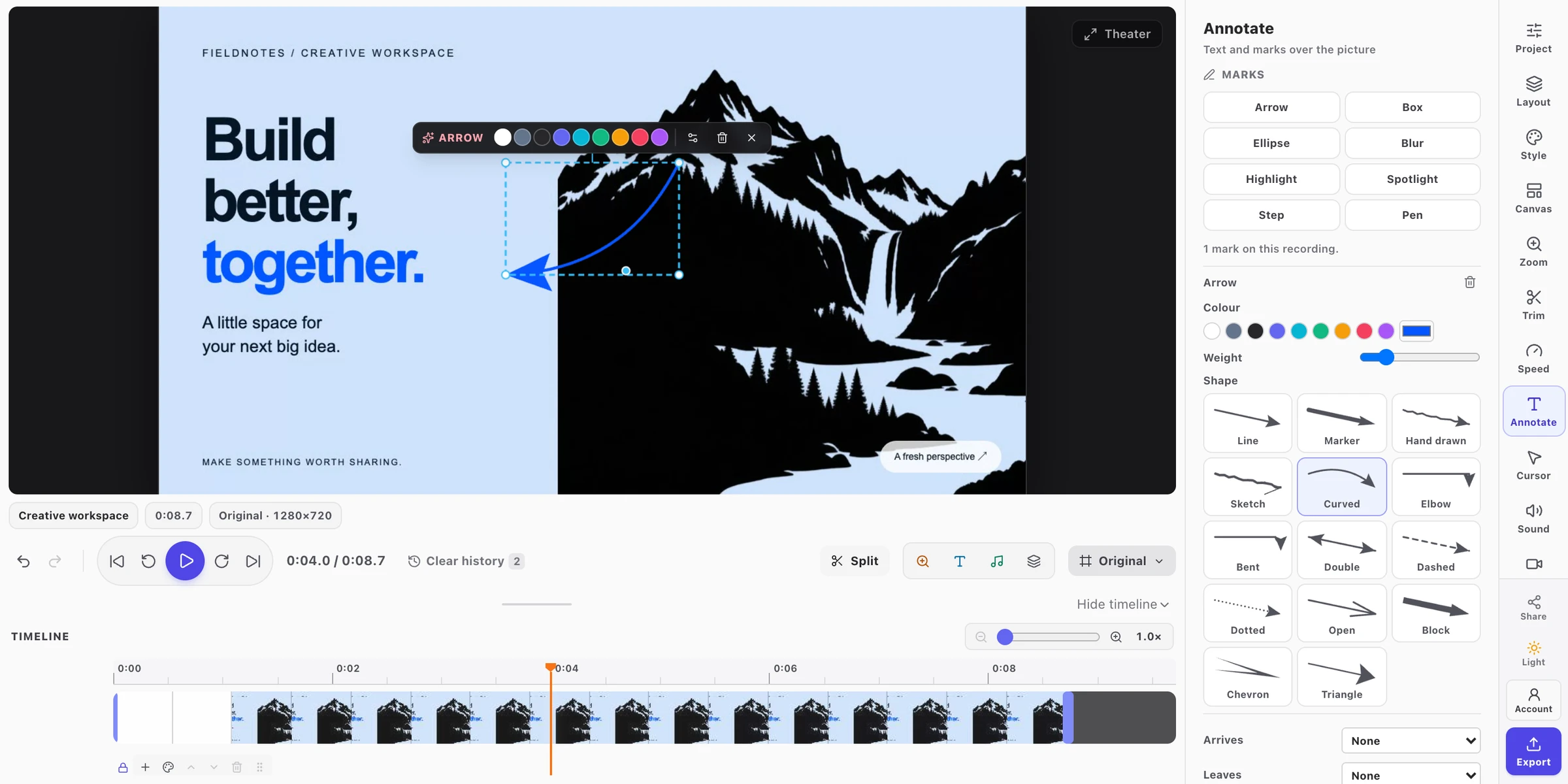
Point at things. Zooms are made from the clicks FramioCam recorded, and you can move or retime each one. Cursor styles, click ripples, and timed arrows, boxes, steps, blur and spotlights sit on their own lanes.
Caption. Transcription runs on macOS’s own on-device speech recognition, so the audio is not uploaded. Correct a word once and the fix survives later cuts. Captions can be burned in, or saved as SRT, VTT or text. (Captions guide)
Export or post. MP4, WebM or GIF up to 4K with Pro. Pro can also post the video to a Facebook Page, now or scheduled, or upload it to your YouTube channel through a Google app you set up once. (Publishing guide)
Since version 0.2.0 (20 November 2026), you can also record a voice-over over a finished recording, and read your script from a teleprompter that is never recorded. Both are covered in the Mac changelog.
Five things Camtasia has that FramioCam does not
If one of these is a requirement, keep Camtasia. Saving money on the wrong tool costs more in rework.
- A Windows desktop app. Camtasia runs on Windows 10 and 11 and on macOS 14 or later. FramioCam’s Windows option is the Chrome extension, which records tabs, windows and screens through the browser and edits in the browser. It is not a Windows desktop recorder.
- Quizzes and SCORM export. If your videos go into a learning management system with graded questions, Camtasia does that and FramioCam does not.
- Text-based editing. Audiate lets you edit a video by deleting words from its transcript. FramioCam’s transcript drives captions; it does not cut the video.
- AI voices and avatars. Create and Pro generate voiceover and presenters. FramioCam records your own voice.
- Stock assets. Pro includes a library of royalty-free media. FramioCam ships wallpapers for backdrops, not stock footage or music.
What FramioCam does that Camtasia’s plans do not list
- One payment. No renewal date and no plan that stops working when a card expires.
- An MCP server for AI assistants. Claude Code, Claude Desktop, Codex, Cursor or any MCP client can capture, record, edit, caption and export through FramioCam for Mac. We wrote up a full session, tool by tool. Mac Pro.
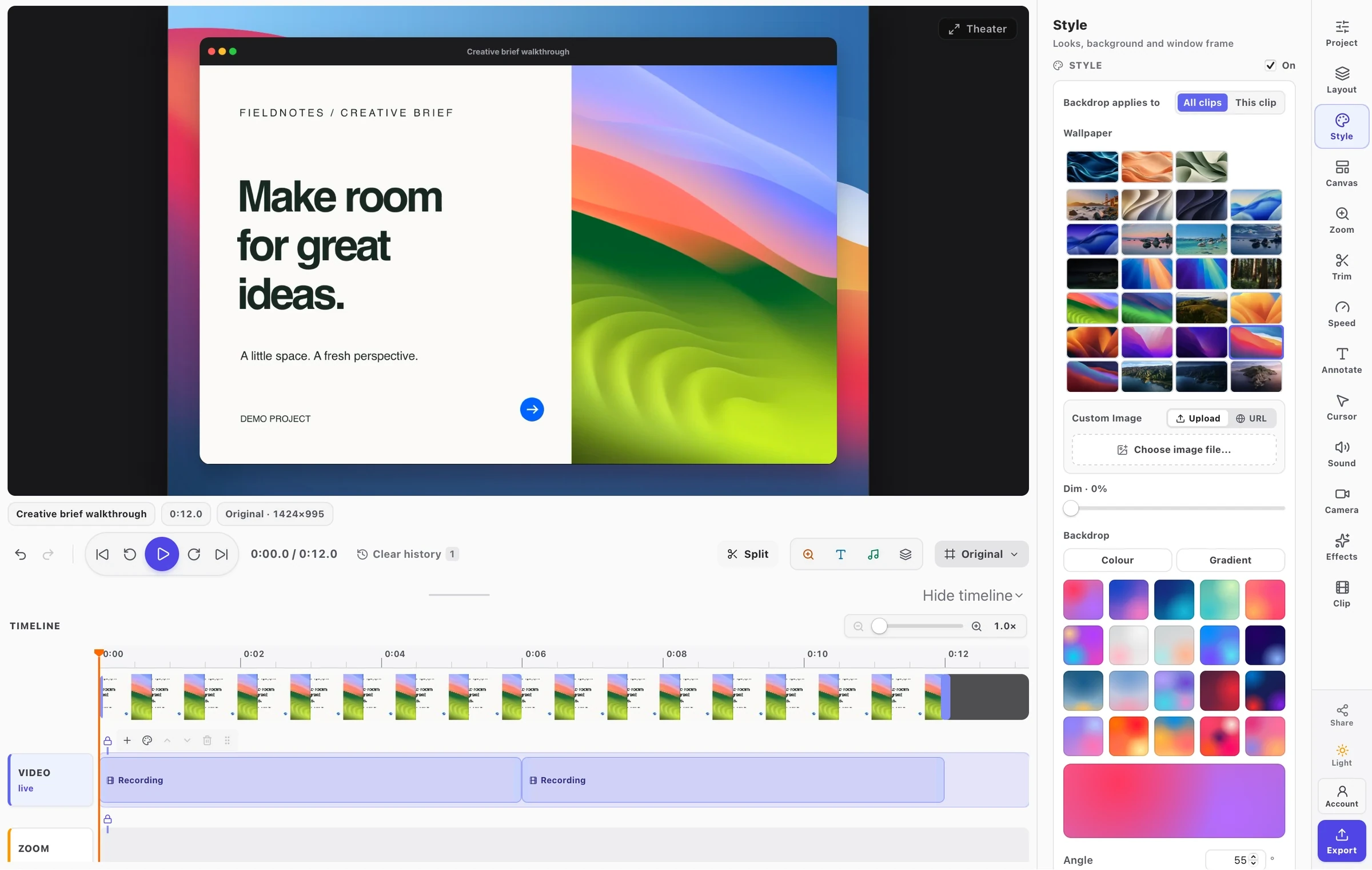
- A screenshot studio in the same app. Backdrops, window frames, device mockups, arrows, blur and text for still images, which in TechSmith’s line-up is the job of Snagit.
- Full-page website screenshots in Chrome. The extension captures a long page as one image without repeating sticky headers. (How it works)
Which FramioCam to try
- Your tutorials move between desktop apps (Figma, Xcode, Terminal, Keynote): FramioCam for Mac.
- Everything you show happens in a browser, or you are on Windows, Linux or a Chromebook: FramioCam for Chrome.
- Both: Pro For Both is one payment for the two apps; see pricing.
Both have free versions. Make one real tutorial with the free version before you buy, and if it holds up, buy before 31 December with BFCM30.
FAQ
Is there a free Camtasia alternative? FramioCam for Mac and FramioCam for Chrome are both free to use; exports carry a FramioCam watermark until you buy Pro. Camtasia’s Starter plan is $39 a year and does not list the Camtasia Editor.
Can I open Camtasia projects in FramioCam?
No. Camtasia’s .tscproj and .camproj project files are TechSmith’s own format. Export the finished video from Camtasia and keep the projects you might edit again in Camtasia.
Does FramioCam run on Windows? The Chrome extension does, in Chrome on Windows, macOS, Linux and ChromeOS. The native app is Mac only, for Apple silicon.
Does FramioCam have captions like Camtasia? The Mac app transcribes on-device with macOS speech recognition, styles captions on the video, and saves SRT, VTT or text. The Chrome editor does not make captions.