CHANGELOG
FramioCam for Mac, release by release.
New features, improvements and fixes in the native Mac app for screenshots and screen recording, newest first. For what comes next, see the roadmap.
Voice-over, a teleprompter and Shade
Latestv0.2.0 ·
Narrate a finished recording, read your script from a teleprompter while you record, lay a shade over the frame so titles read, publish screenshots straight from the editor, and split music or narration on the timeline.
- NewVoice-over: press Record voice-over in the studio, or ⌥⇧A, to narrate from the playhead over a finished recording, with a microphone picker, a live level meter and a 3-second count-in. Each take lands on the audio lane in sync with the picture. Record it again to replace it, ⌘Z brings the old take back, and the Sound panel’s Sync slider nudges it by up to half a second.
- NewA teleprompter: your script in a floating window near the camera that scrolls with the take, pauses when you pause and is never recorded. Turn it on in Home → Sources or from the voice-over bar, and change the speed and text size while you read.
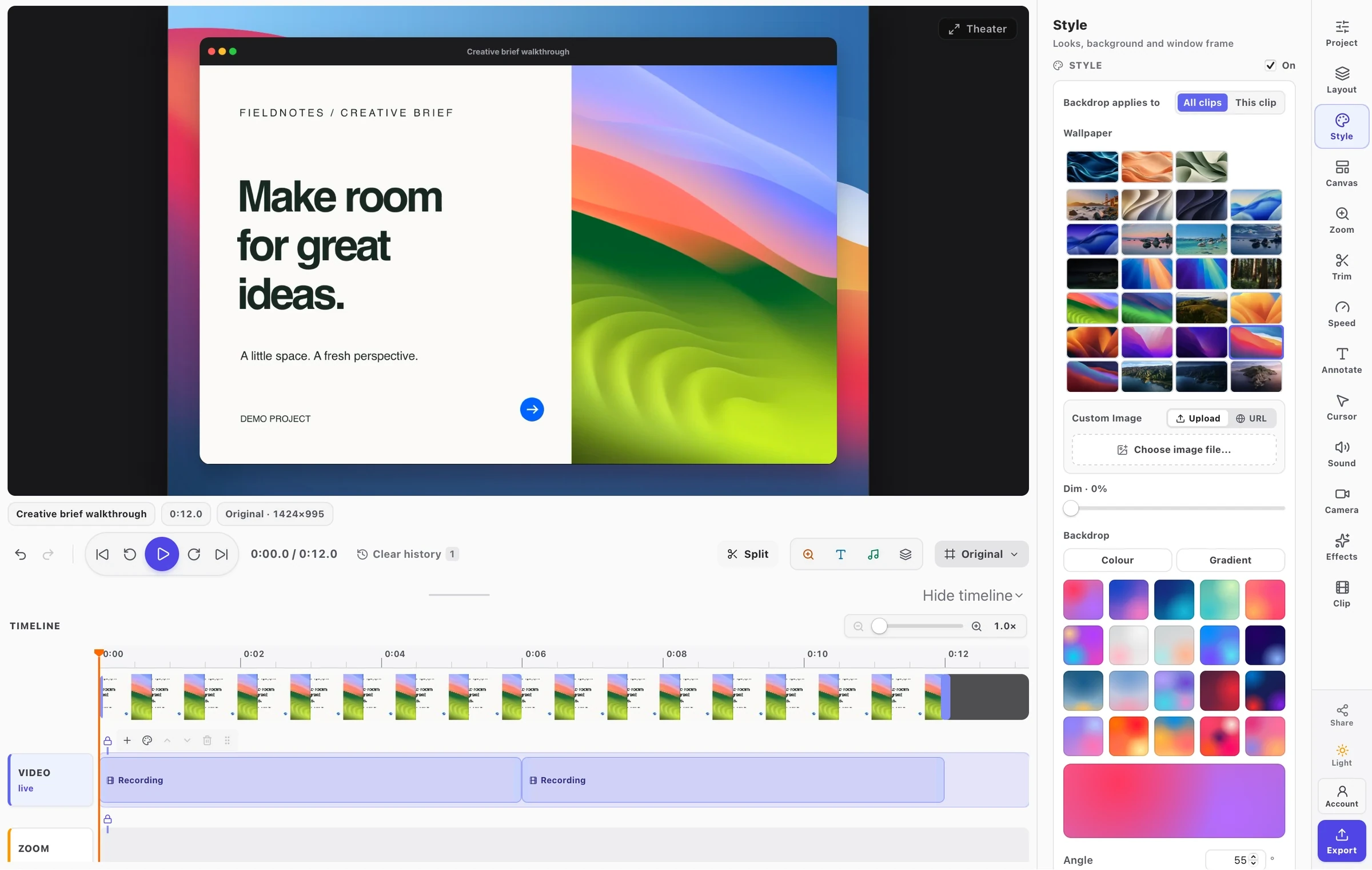
- NewShade lays a colour gradient over the frame from the sides you choose, so a title, icon or subtitle on that side reads. It is in the screenshot editor’s Backdrop panel and the studio’s Style panel, for one clip or the whole project, with colour, strength and reach you can drag on the canvas.
- NewPublish a screenshot to a Facebook Page straight from the screenshot editor, now or scheduled.
- NewSplit music or a voice-over at the playhead: select the sound and press S. With nothing selected, S splits the clip and every sound under it in one undo step. Both halves keep their volume, speed and fades, and every added sound now shows its waveform and a volume line.
- NewAI assistants can publish a recording to YouTube or a Facebook Page, set a YouTube thumbnail from a picture, publish screenshots, add a voice-over, set the teleprompter and add a shade. The publish sheet opens filled in and nothing is sent until you press Publish, unless you let assistants publish on their own in Settings, up to the visibility you choose.
- NewHow-To Videos one click away: in the Help menu, Home, About, Settings and the menus of the studio and screenshot editor. The Home top bar also shows whether an AI assistant is connected.
- ImprovedThe Display and Window tiles on Home show their target as a pop-up button. Click it, double-click the tile or press Space to change it.
- ImprovedWith Include FramioCam’s windows on, a recording shows every FramioCam window you use, even one opened after it started, and records FramioCam’s own sound too.
- ImprovedThe screenshot editor keeps your annotation tool in hand after each mark, so the next arrow or box is one drag away. Esc puts it down.
- ImprovedThe free mark sits in the bottom-right corner of every export and is sized to the frame, so a square screenshot no longer gets an oversized mark. The preview shows it exactly where the file will.
- ImprovedFacebook lists Pages owned by a Business portfolio, and the Zoom lane says “off” and greys its zooms while Apply zoom is off.
- FixedLong, heavily edited exports of large recordings no longer fail with “Decoder failure”.
- FixedAutomatic click zooms land on the right moment after you cut, split or speed up a recording.
- FixedScreenshot edits made by an AI assistant, and a style chosen again, are saved. Assistants can take a screenshot while you record and keep working after an app update.
FramioCam for Mac
v0.1.0 ·
The first release of the native Mac app: capture and record any app on your Mac, finish screenshots in Screenshot Studio, edit recordings on a timeline with on-device captions, and publish to YouTube or a Facebook Page — or let an AI assistant do it for you.
- NewCapture a display, a window or an area on any connected screen, or scroll any window to stitch one tall screenshot. ⌃⌥⌘S, ⌃⌥⌘A and ⌃⌥⌘W capture without opening a window, and Settings can take over ⌘⇧3, ⌘⇧4 and ⌘⇧5 from macOS.
- NewRecord a display, a window, an area or the camera alone, with microphone and system audio. The camera bubble stays on top while you record and is kept as its own track, so you can move and reshape it afterwards.
- NewWhile recording, draw a pen stroke, ellipse or rectangle on the screen and hold ⌃⇧S to scroll a page smoothly. Every mark lands in the editor as an annotation you can still change.
- NewScreenshot Studio: 51 wallpapers, window frames, padding and corners, inline text, 14 arrow shapes, blur, spotlight, magnify and your own brand watermark. Each tool has a single-letter shortcut, the same in the video editor.
- NewA video timeline: trim, split and arrange clips, zoom in on each click, draw a smooth cursor with click ripples, and reframe a widescreen take as a square or vertical clip without recording it again.
- NewCaptions made on your Mac. macOS transcribes speech on the device, so audio is never uploaded. Correct the transcript, style captions on the video with spoken-word highlighting, or download SRT, VTT or plain text. Timing follows your cuts and speed changes.
- NewPublish videos to a YouTube channel or a Facebook Page, and screenshots to a Facebook Page, now or scheduled up to 29 days ahead. Saving to a file on your Mac is always there too.
- NewAI assistants such as Claude and Cursor can drive FramioCam over MCP: capture, record, edit and export your own captures, with every change shown in the app and undoable.
- NewFree to download and use, with watermarked exports. Mac Pro removes the watermark, exports up to 4K and adds publishing, AI assistants and Google Drive sync. Signed and notarised by Apple, and it asks before installing an update.