4 min read
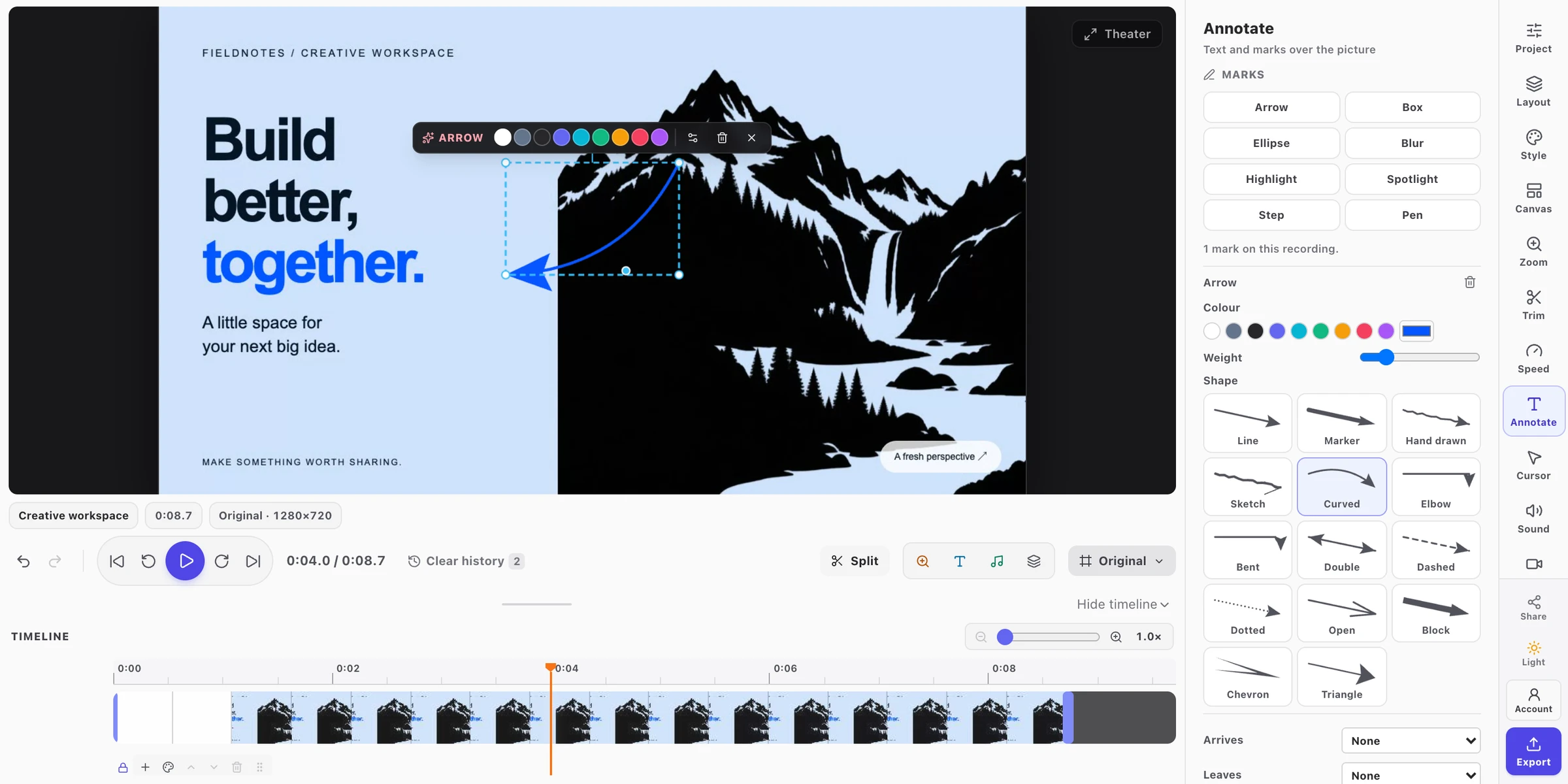
FramioCam vs Cap: Open-Source Recorder or a Mac Studio That Publishes
Looking for a Cap alternative on Mac? FramioCam vs Cap on pricing, editing, on-device captions, YouTube publishing and AI assistants over MCP.
- comparisons
- screen-recording
- cap-alternative
- mac
KEY TAKEAWAYS
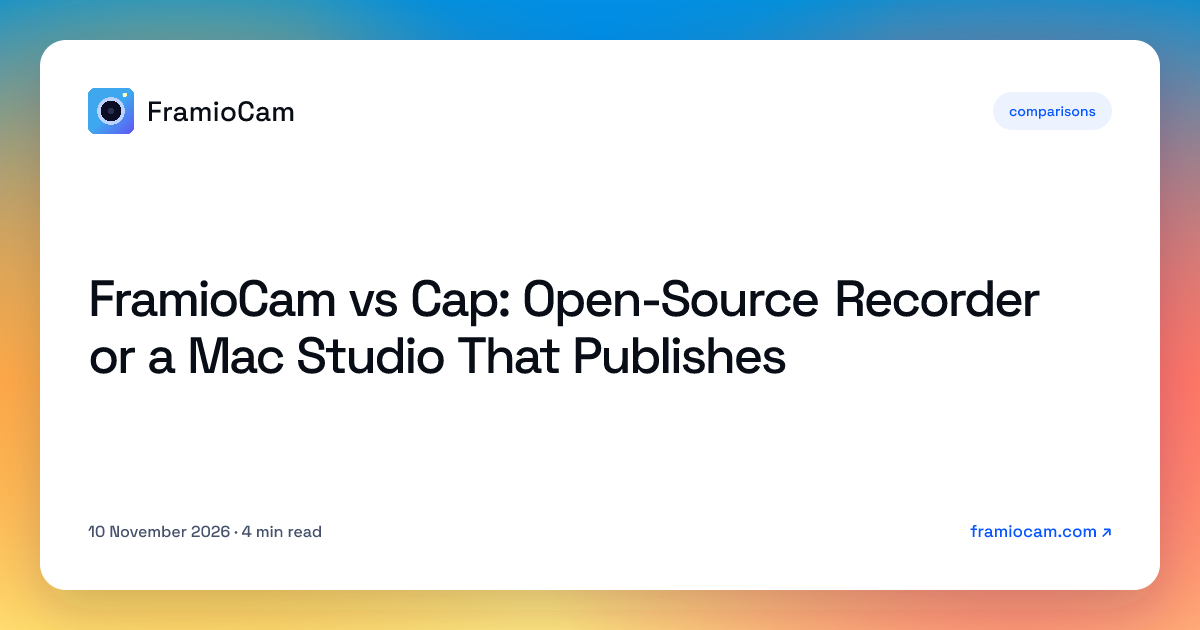
- Cap is open source, runs on Mac, Windows and Linux, and is free for personal use; work use needs a paid licence or subscription.
- FramioCam for Mac is free to start with a one-time Pro licence, makes captions on your Mac, and publishes to YouTube and Facebook, now or scheduled.
- Cap Pro's AI titles, summaries and transcripts run with its cloud; FramioCam's AI angle is different: your own assistant drives the app over MCP.
Cap is the open-source screen recorder that made people uninstall Loom: a clean recorder with a studio editor, local recordings, and optional cloud sharing. FramioCam for Mac overlaps on recording and editing, and then heads in a different direction: screenshots, on-device captions, publishing to YouTube and Facebook, and AI assistants over MCP.
Cap details come from its own pricing page and homepage, checked on 10 November 2026. Prices change; check them before you buy.
The short version
| Cap | FramioCam for Mac | |
|---|---|---|
| Licence | Open source. Free for personal use; Desktop licence for commercial use at $29/year or $58 once; Cap Pro $12 per user/month ($8.16 billed annually) | Free download with watermarked exports. Mac Pro is a one-time licence |
| Platforms | Mac, Windows and Linux | Apple silicon Mac on macOS 14 or later (recording needs macOS 15). Windows, Linux and ChromeOS through the Chrome extension |
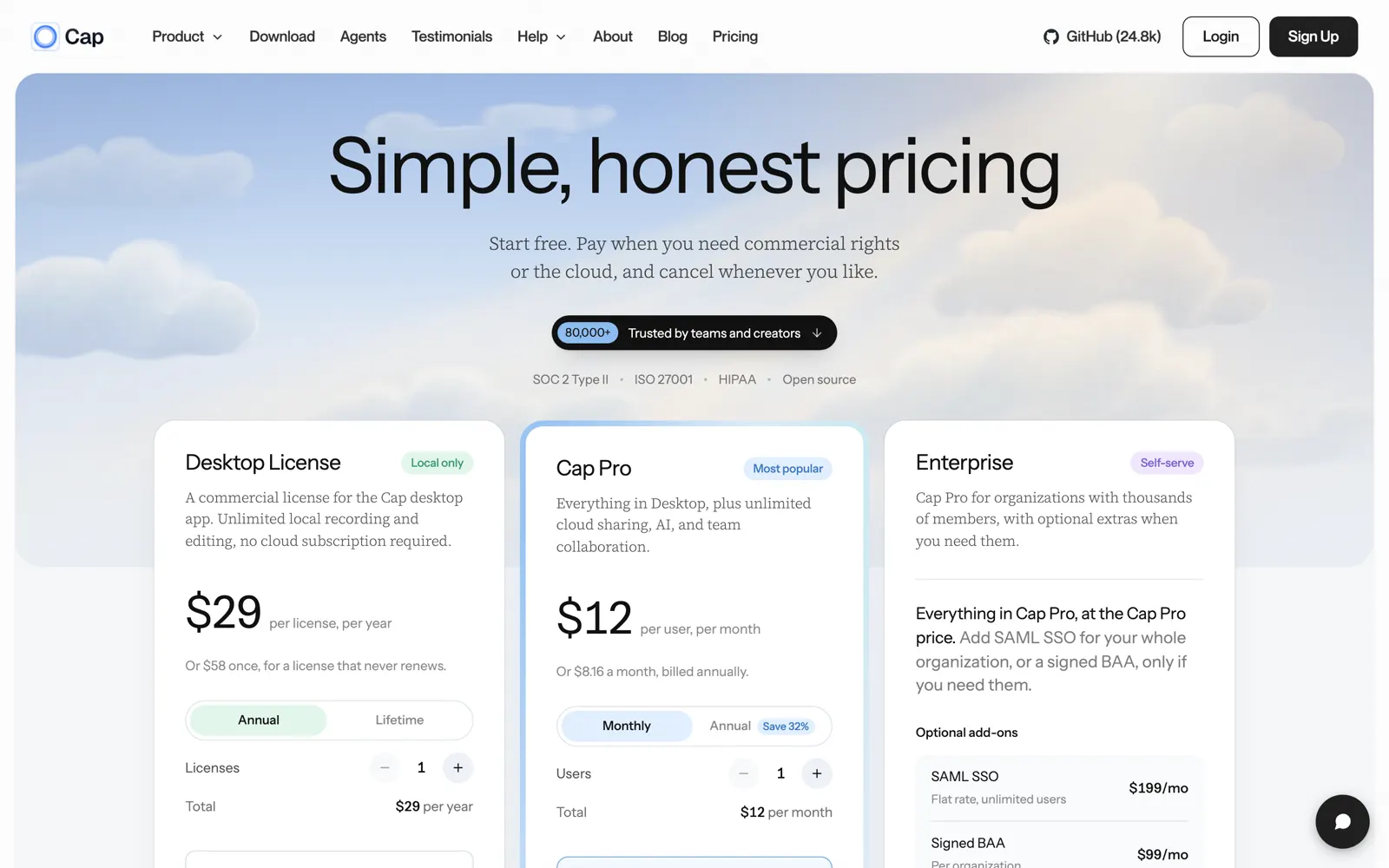
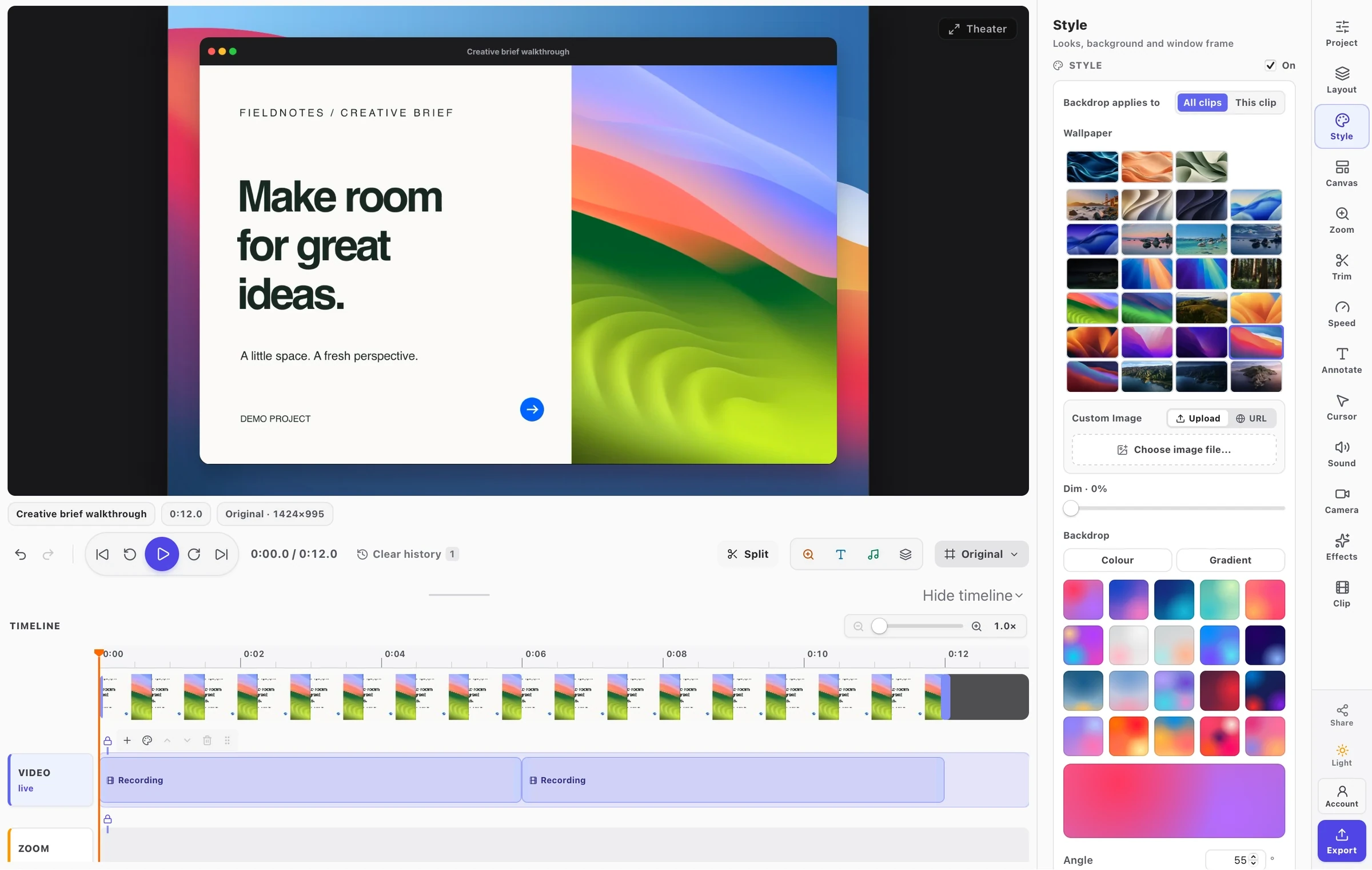
| Editing | Studio Mode with a full editor; 4K/60fps export | Multi-lane timeline, zooms from clicks, cursor effects, transitions, timed annotations and blur; up to 4K on Pro |
| Transcripts and AI | Cap Pro: auto-generated titles, summaries, chapters and transcriptions with its cloud | On-device macOS transcription and styled captions on every plan; AI assistants over MCP on Pro |
| Sharing | Cap Pro: unlimited cloud sharing, custom domain, team workspace | Publish to YouTube or a Facebook Page, now or scheduled; optional Google Drive sync on Pro |
| Screenshots | Screenshots included | Full screenshot studio: wallpapers, frames, arrows, text, brand watermark |
Where they differ
Open source and cross-platform, or a Mac-first studio.
Cap’s code is public, and the app runs on Mac, Windows and Linux. If either of those is a requirement, that settles it. FramioCam for Mac is a native Mac app; FramioCam’s Windows and Linux story is the separate Chrome extension.
Two different meanings of “AI”.
Cap Pro uses its cloud to write titles, summaries, chapters and transcripts for each recording. FramioCam for Mac does two other things. It transcribes on your Mac with macOS’s own speech recognition, so audio isn’t uploaded for captions. And it ships an MCP server, so the AI assistant you already use (Claude Code, Claude Desktop, Codex, Cursor or any MCP client) can capture, record, edit, caption and export for you. See AI assistants over MCP.
A link, or a post.
Cap Pro is built around instant share links and team workspaces, like Loom. FramioCam for Mac publishes straight to a YouTube channel or Facebook Page, and schedules: YouTube at least 15 minutes ahead, Facebook up to 29 days. For creators and marketers, the post is the point. For a team handing videos to each other, the link is. How publishing works.
Paying for it.
Cap is free for personal use and charges for commercial rights (a yearly or lifetime Desktop licence) and for its cloud (Cap Pro). FramioCam for Mac is free to use with a watermark, and Mac Pro is one payment that removes it and adds publishing, AI assistants, 4K and sync.
Where Cap is the better tool
- You want open source. You can read, build and audit the code.
- You need Windows or Linux natively. Cap has desktop apps for both.
- Your team shares by link. Cap Pro’s cloud, workspaces and custom domain are built for that.
- You want AI summaries and chapters. Cap Pro generates them for every recording.
Where FramioCam for Mac is the better tool
- Your videos are published, not just shared. YouTube and Facebook, with scheduling.
- You want your own AI assistant to do the work. MCP, with your permission once per assistant.
- Captions must stay on your Mac. On-device transcription on every plan.
- You make polished screenshots too. One studio for both.
FAQ
Is FramioCam for Mac a Cap alternative? Yes, for Mac users. Both record and edit your screen locally. FramioCam for Mac adds YouTube and Facebook publishing with scheduling, on-device captions, a screenshot studio and AI assistants over MCP; Cap adds open source, Windows and Linux apps, and cloud sharing with AI summaries.
Is FramioCam open source? No. Cap is.
Does FramioCam for Mac upload my recordings? No. Captures and edits stay on your Mac. Publishing, Google Drive sync and share links happen only when you choose them.
See how FramioCam compares with Cap, CleanShot X, Screen Studio and others, or download FramioCam for Mac and try it free.